
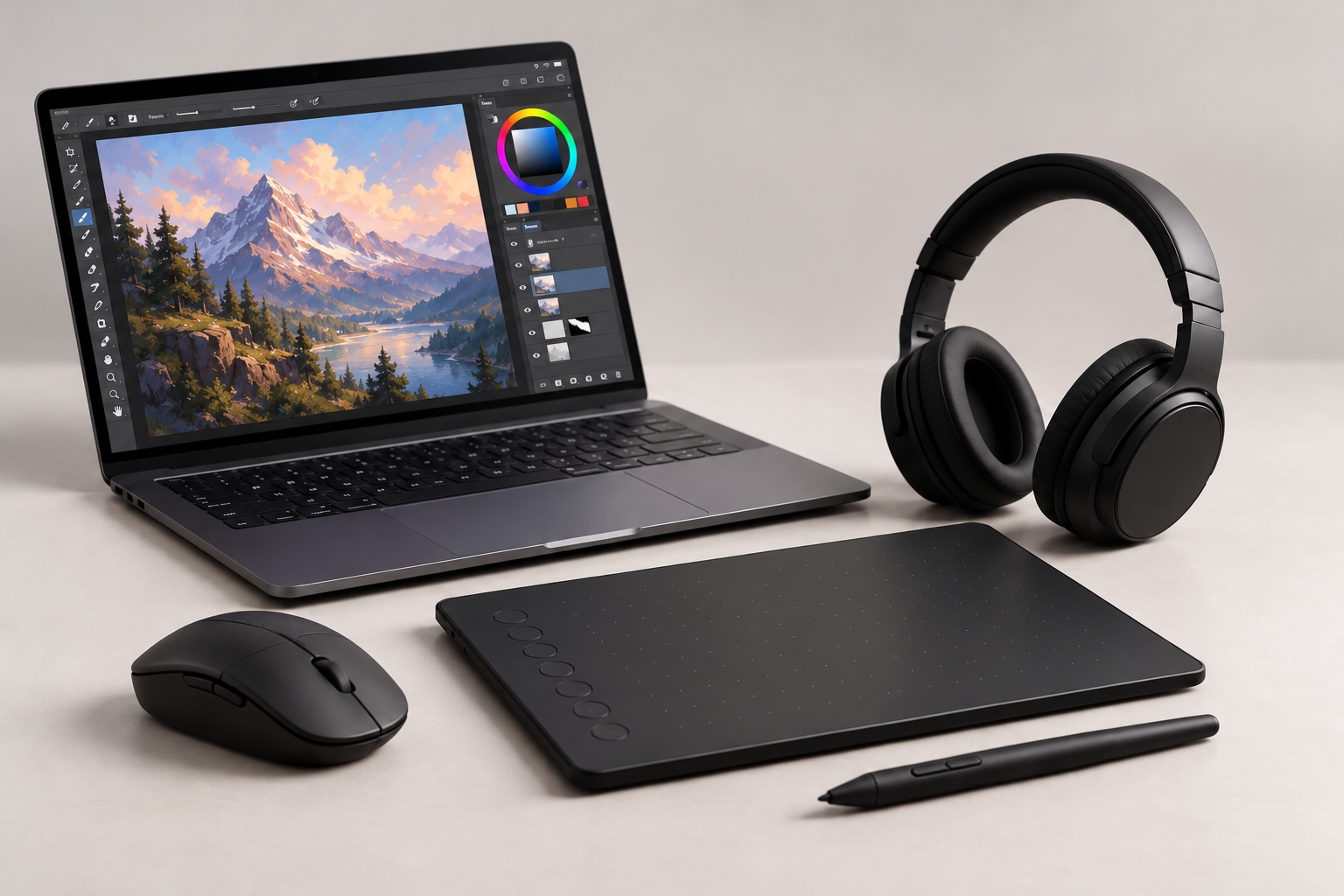
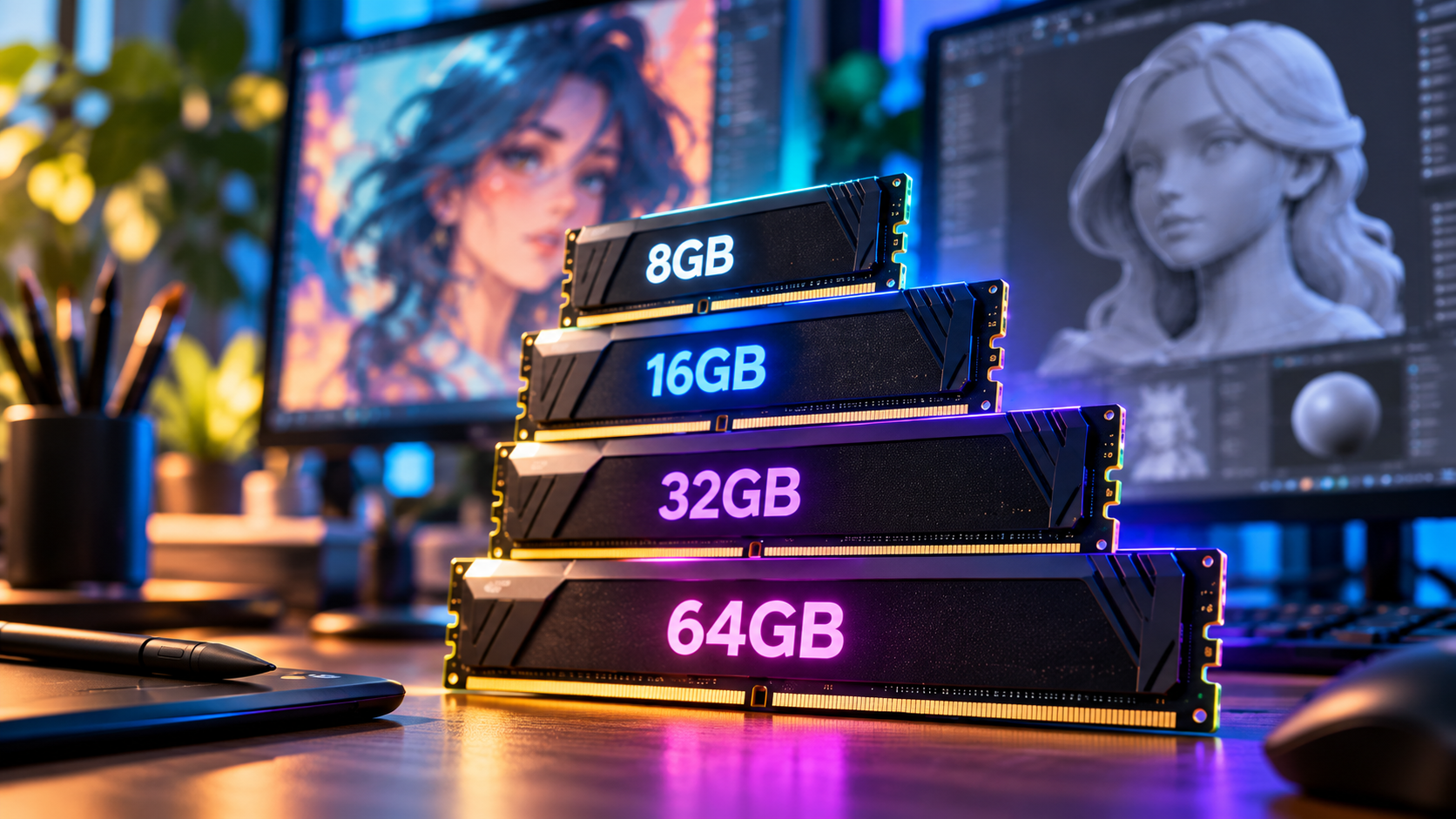
Planning to buy your first laptop or PC for digital art? You’ve probably seen computers offering 8GB, 16GB, 32GB or even 64GB of RAM. But how much RAM do you actually need?
With so many specifications to compare, choosing the right computer can feel overwhelming. The good news? You don’t need the most expensive setup to start creating.
Let’s break down how much RAM you need for digital art and 3D modelling.
What Is RAM and Why Does It Matter?
RAM (Random Access Memory) is your computer’s short-term memory. It temporarily stores information that applications need while running.
Think of it as your digital workspace. More RAM means more room to handle large projects and multiple applications simultaneously.
For digital artists, RAM is especially important when working with high-resolution illustrations, detailed 3D models and complex textures.
How Much RAM Do You Really Need?
8GB RAM – Basic Creative Work
8GB can handle simple digital illustrations and lightweight drawing applications. However, larger projects, multiple layers and multitasking may cause slowdowns.
16GB RAM – A Great Starting Point
For most beginner digital artists, 16GB offers a good balance between price and performance.
It’s suitable for digital painting, photo editing and basic 3D modelling in applications like Blender.
32GB RAM – More Room to Create
If you’re working with larger 3D scenes, high-resolution textures or multiple creative applications simultaneously, 32GB provides additional flexibility.
It’s particularly useful when switching between Blender, Photoshop and other demanding programs.
64GB+ RAM – Professional Workflows
Higher memory capacities are useful for complex simulations, large 3D environments and demanding professional projects.
However, most beginners won’t need this much memory.
Is More RAM Always Better?
Not necessarily!
Your computer’s CPU, GPU and storage also affect performance. For example, a powerful graphics card can be more important than additional RAM for certain 3D rendering tasks.
Before buying, check your creative software’s recommended system requirements.
Final Thoughts: Choose What You Actually Need
For most beginners, 16GB RAM is a sensible starting point, while 32GB offers more flexibility as projects become demanding.
At Digital Den, we believe in choosing equipment that matches your creative needs and budget, rather than paying for specifications you won’t use.
Looking for your next creative setup? Explore Digital Den’s guides to find the right equipment for your projects.
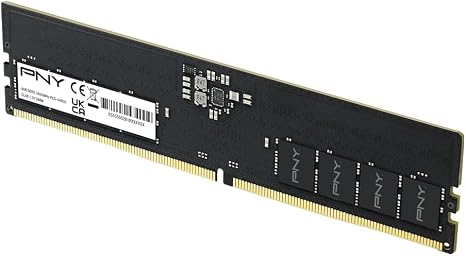
PNY DDR5 8GB (1x8GB) 5600MHz CL46 Performance Desktop Memory
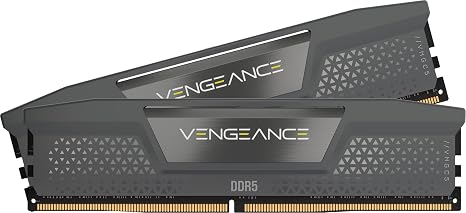
CORSAIR Vengeance DDR5 16GB (2 x 8GB) Up to 5200MHz AMD Intel RAM
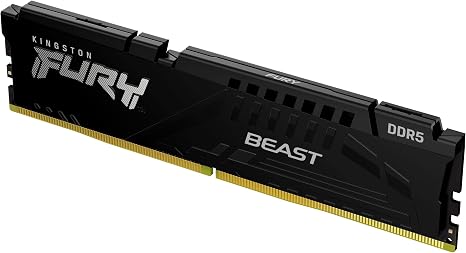
Kingston FURY Beast 8GB 6000MT/s DDR5 CL36 Desktop Memory | AMD EXPO |Single Module | KF560C36BBE-8
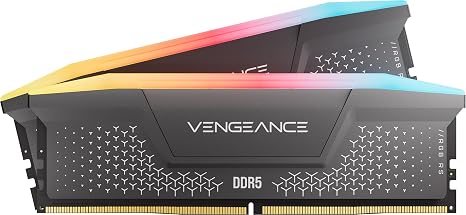
Corsair Vengeance RGB RS DDR5 16GB (2 x 8GB) Up to 6000MHz AMD Intel RAM