
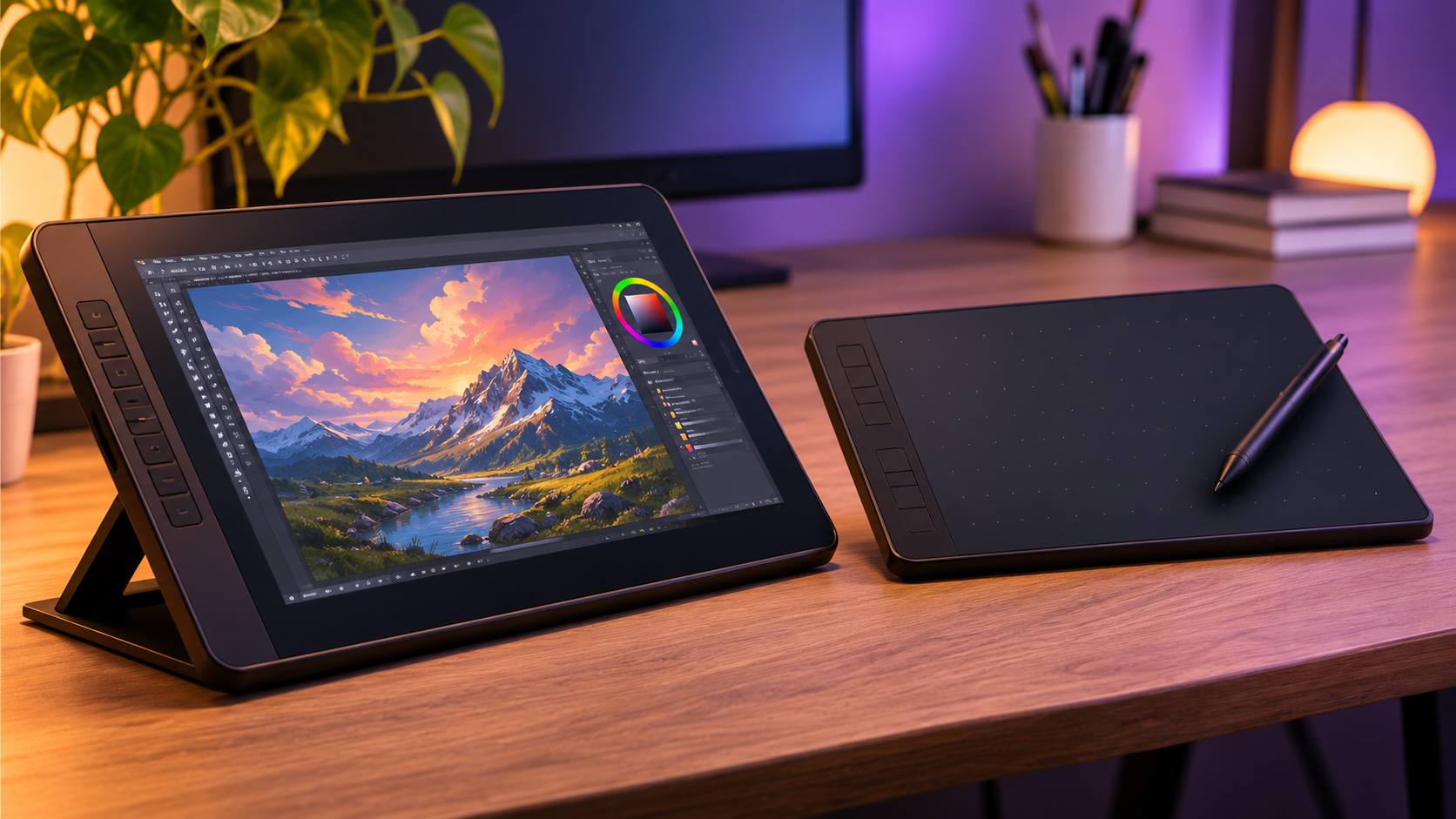
Drawing Tablet with Screen vs. Screenless: Which Should You Choose?
Buying your first drawing tablet can be confusing. With so many models, features, and price ranges available, it can be difficult to know which option is actually worth your money.
One of the biggest decisions you’ll face is whether to buy a screen tablet, which lets you draw directly on a display, or a screenless tablet, where you draw on a separate surface while looking at your computer monitor.
Both options are popular among digital artists, illustrators, and 3D creators. However, they offer very different drawing experiences.
So, does having a screen actually make a tablet better? Or can a more affordable screenless model do the job just as well?
What Is a Screen Tablet?
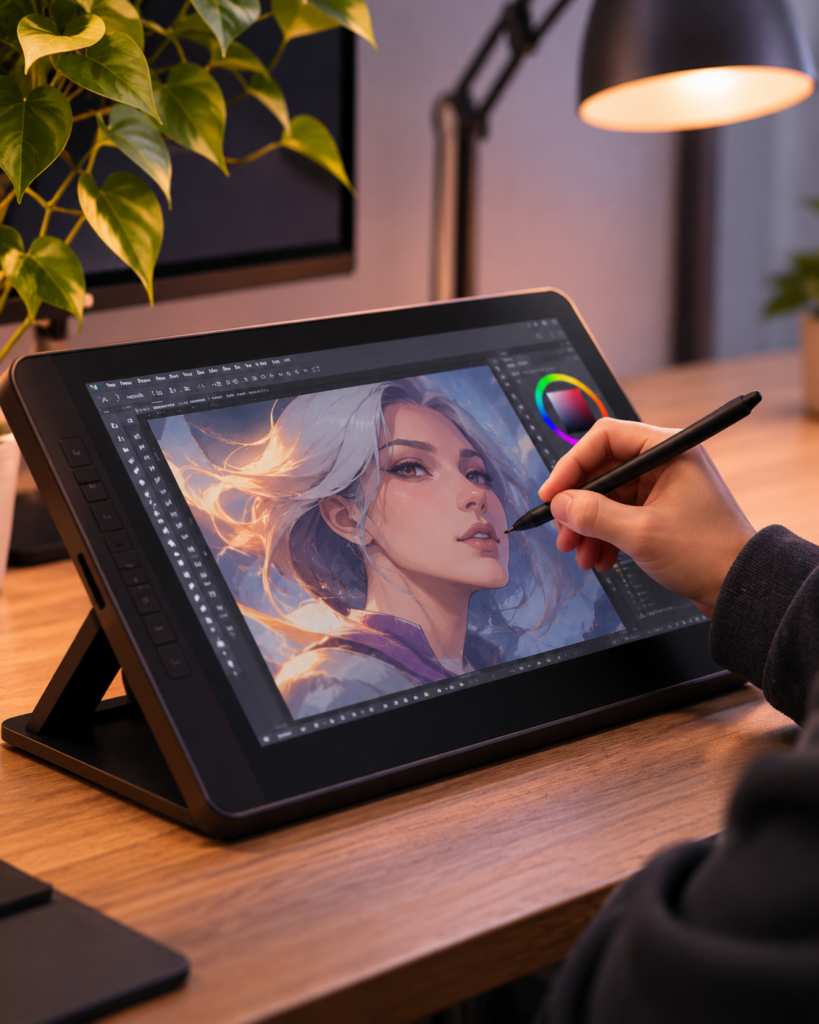
A screen tablet, also known as a pen display, has a built-in screen that allows you to draw directly onto your artwork using a stylus.
Instead of looking at a separate computer monitor, you see your brushstrokes appear directly beneath your pen. This makes the experience feel similar to drawing on paper.
Screen tablets are particularly popular among illustrators, concept artists, and digital painters who prefer a more direct drawing experience.
Most Popular posts
What Is a Screenless Tablet?
A screenless tablet, sometimes called a pen tablet or graphics tablet, works differently.
Instead of drawing directly on a screen, you use a stylus on a flat, pressure-sensitive surface while watching your computer monitor.
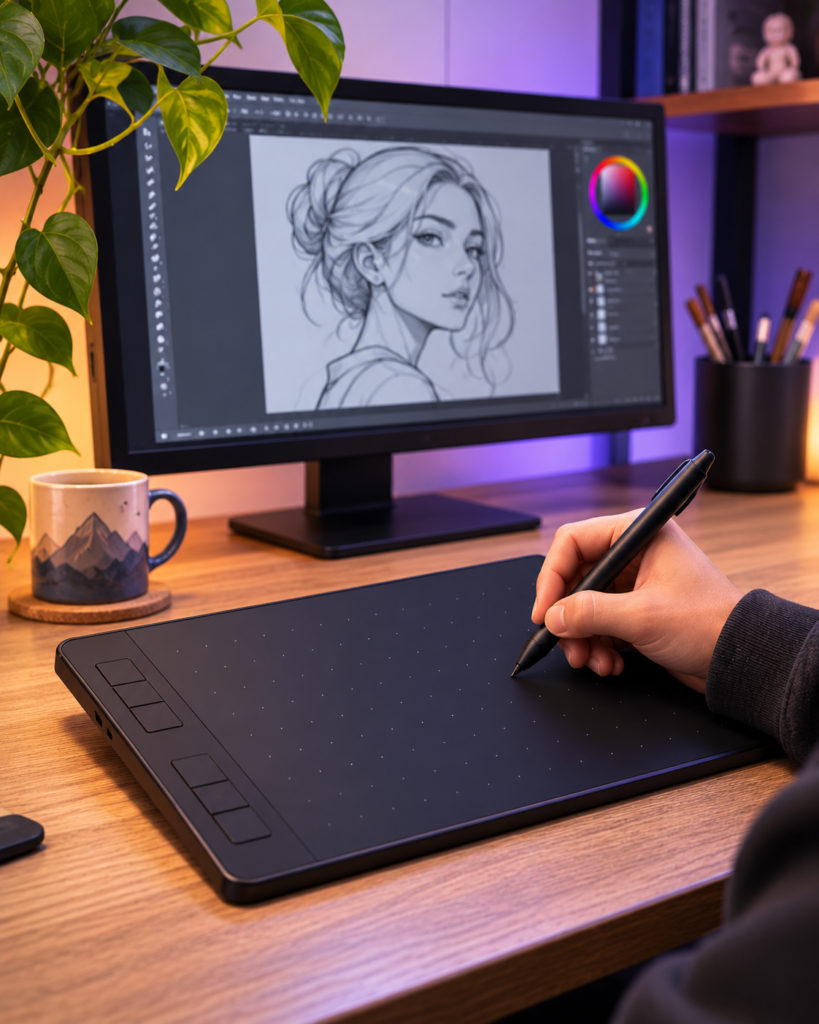
At first, this can feel strange because your hand and eyes are focused on different places. However, many artists become comfortable with this arrangement after some practice.
Screenless tablets are especially popular among beginners, students, and creators looking for reliable equipment without spending too much money.
What About 3D Modelling and Sculpting?
If you’re interested in 3D art, you might be wondering whether a screen tablet is necessary. The answer is no!
Both tablet types can work well for digital sculpting, texture painting, and other creative tasks in software such as Blender or ZBrush.
For example, pressure-sensitive pen input can make sculpting brushes feel more natural, allowing you to control brush strength through your hand movements.
However, not every 3D task benefits equally from a drawing tablet. For traditional polygon modelling, keyboard and mouse controls may still be more convenient.
If your main focus is sculpting or hand-painted textures, either tablet type can be useful. A screenless tablet may be all you need, especially when you’re starting out.
Find your bundle
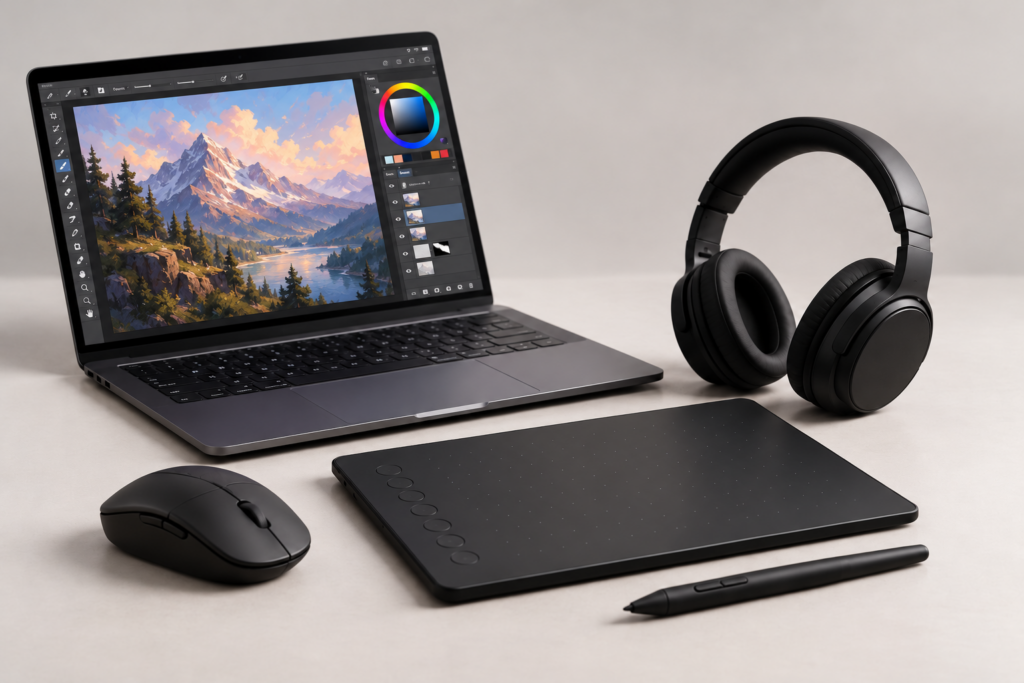
Not sure what gear you need? Explore Digital Den’s curated equipment bundles, tailored to different creative needs, skill levels, and budgets. Spend less time searching and more time creating!
Budget bundle
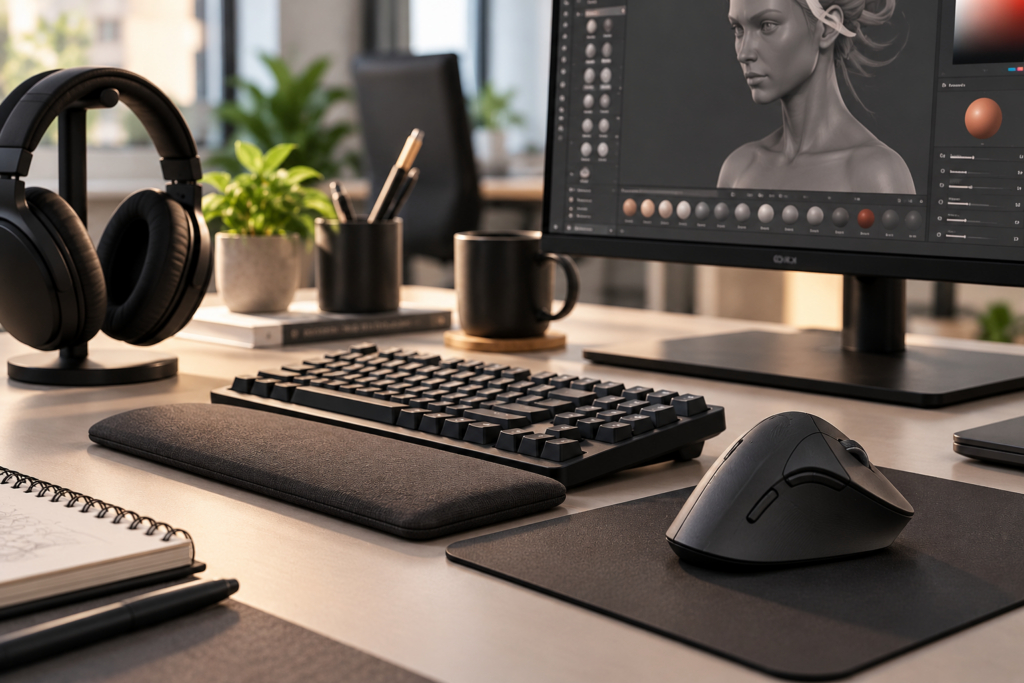
Ergonomic bundle
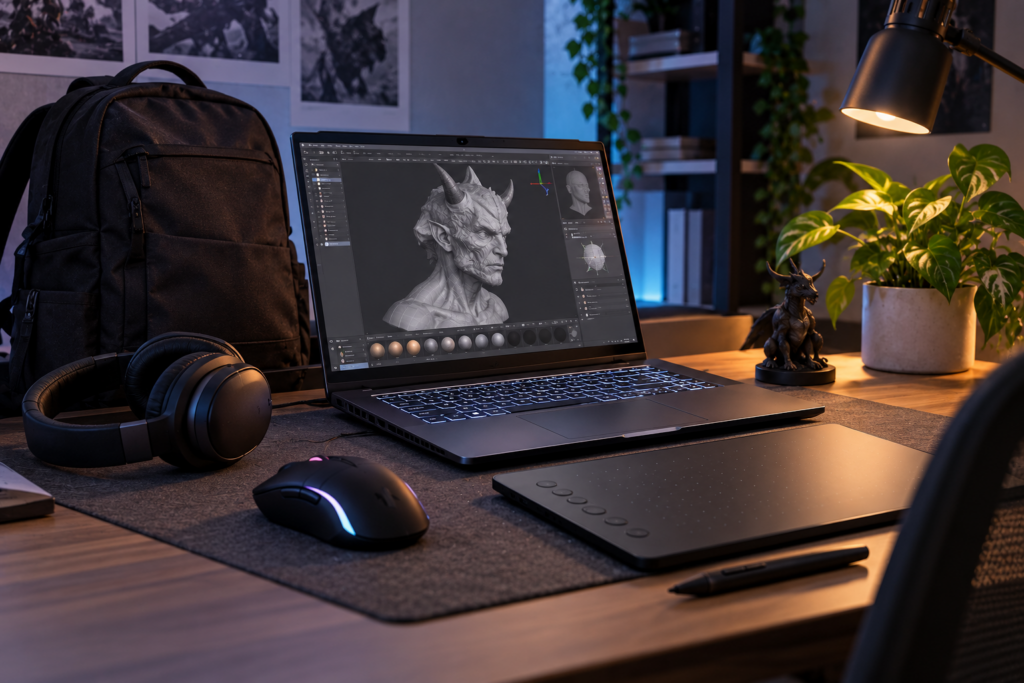
3D student bundle
What Should You Look for Before Buying?
Whether you choose a screen tablet or a screenless model, there are several important features worth checking.
Pen pressure sensitivity: Pressure sensitivity allows the tablet to recognise how firmly you’re pressing the pen. This is particularly useful for brush control, shading, and sculpting.
Active drawing area: A larger drawing area provides more room for hand movements, while smaller tablets are easier to carry. Bigger isn’t always better, especially if your desk is limited.
Driver compatibility: Make sure the tablet supports your operating system and the creative software you plan to use.
Shortcut buttons: Programmable buttons can speed up your workflow by providing quick access to frequently used tools.
Ergonomics: If you spend hours drawing or sculpting, comfort matters. Consider the drawing angle, pen grip, desk position, and whether you’ll need a stand.
For screen tablets, you should also compare display resolution, colour accuracy, and brightness.
Which Drawing Tablet Should You Choose?
The best option depends on your experience, budget, and creative goals.
If you’re a student or beginner working with a limited budget, a screenless tablet is often the smarter starting point. It provides the essential features needed to develop your digital art skills without a major investment.
If you’re already comfortable with digital art and want a more direct drawing experience, a screen tablet may be a worthwhile upgrade.
And if you’re mainly interested in 3D modelling, don’t assume that spending more money on a screen will automatically improve your workflow.
Consider which tasks you actually perform and whether a screen would make those tasks easier.
Final Thoughts:
There’s no single best drawing tablet for everyone.
Screen tablets offer a direct, intuitive drawing experience, while screenless tablets provide an affordable and practical alternative.
Most importantly, a more expensive drawing tablet won’t automatically make you a better artist. Developing your skills, practising regularly, and choosing equipment suited to your workflow will make a much bigger difference.
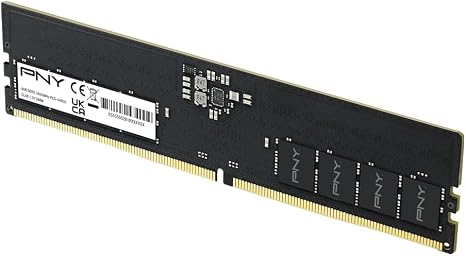
PNY DDR5 8GB (1x8GB) 5600MHz CL46 Performance Desktop Memory
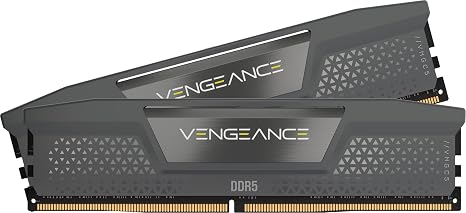
CORSAIR Vengeance DDR5 16GB (2 x 8GB) Up to 5200MHz AMD Intel RAM
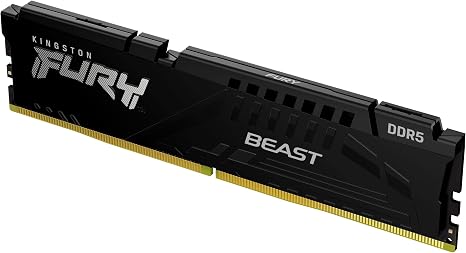
Kingston FURY Beast 8GB 6000MT/s DDR5 CL36 Desktop Memory | AMD EXPO |Single Module | KF560C36BBE-8
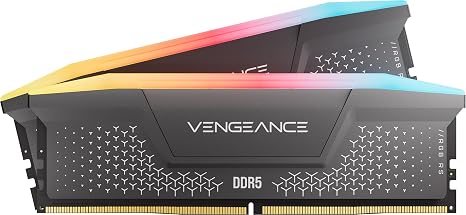
Corsair Vengeance RGB RS DDR5 16GB (2 x 8GB) Up to 6000MHz AMD Intel RAM