Tag: Beginner Artist

  • Drawing Tablet With or Without a Screen: Which Is Better?

    Drawing Tablet With or Without a Screen: Which Is Better?

    Drawing Tablet with Screen vs. Screenless: Which Should You Choose?


    Buying your first drawing tablet can be confusing. With so many models, features, and price ranges available, it can be difficult to know which option is actually worth your money.

    One of the biggest decisions you’ll face is whether to buy a screen tablet, which lets you draw directly on a display, or a screenless tablet, where you draw on a separate surface while looking at your computer monitor.

    Both options are popular among digital artists, illustrators, and 3D creators. However, they offer very different drawing experiences.

    So, does having a screen actually make a tablet better? Or can a more affordable screenless model do the job just as well?

    What Is a Screen Tablet?


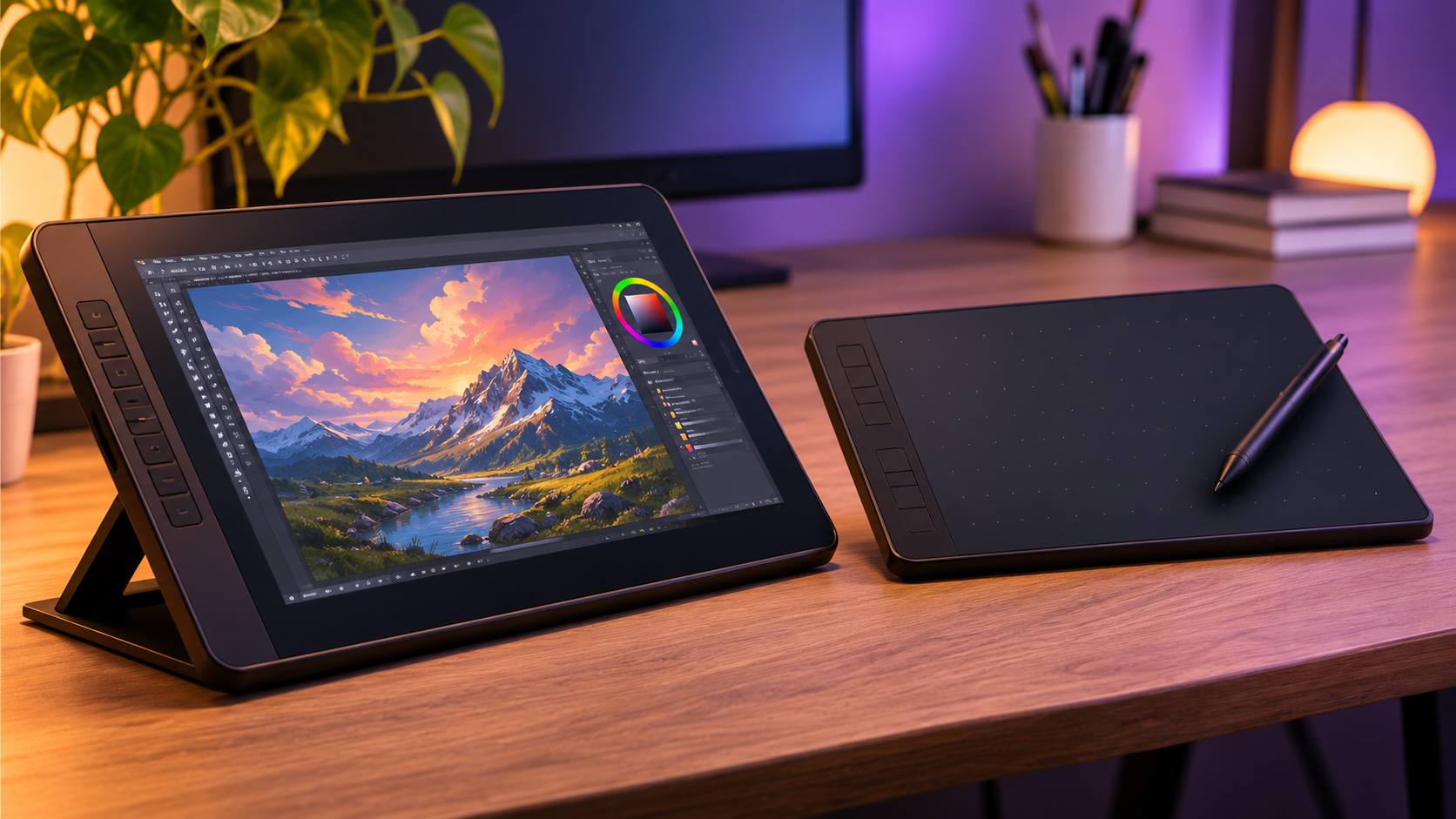
    A screen tablet, also known as a pen display, has a built-in screen that allows you to draw directly onto your artwork using a stylus.

    Instead of looking at a separate computer monitor, you see your brushstrokes appear directly beneath your pen. This makes the experience feel similar to drawing on paper.

    Screen tablets are particularly popular among illustrators, concept artists, and digital painters who prefer a more direct drawing experience.
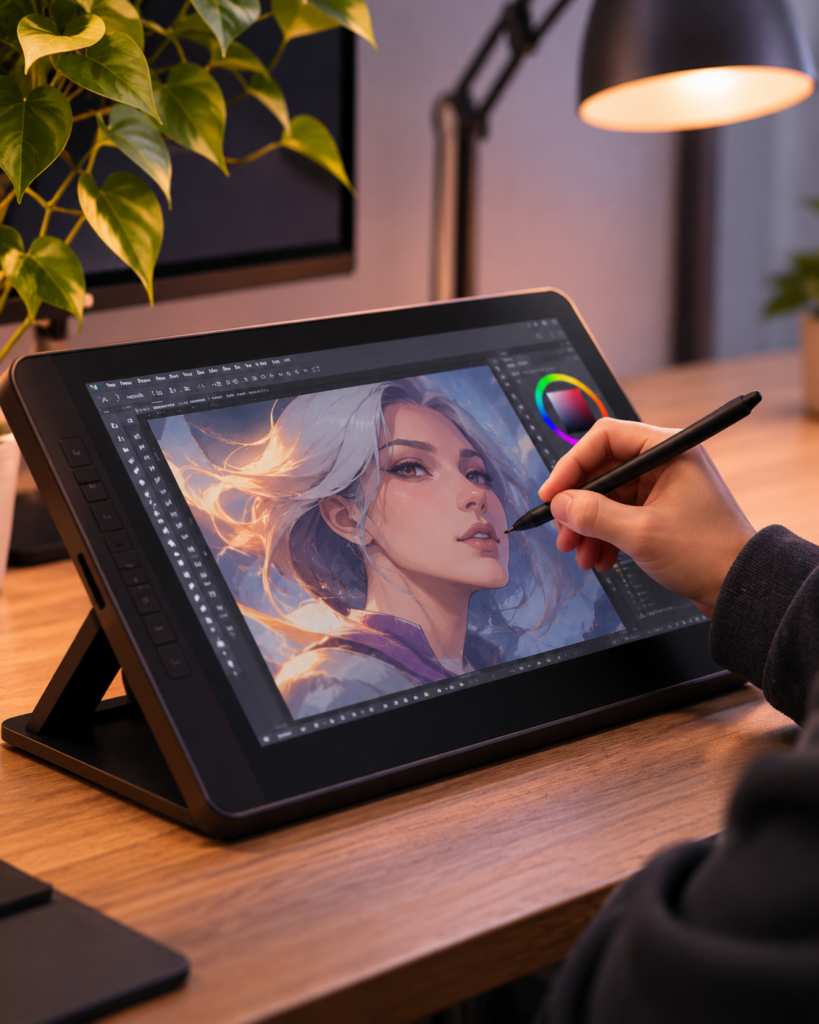
    Digital artist using a drawing tablet with screen to create a digital portrait with a stylus.

    What Is a Screenless Tablet?


    A screenless tablet, sometimes called a pen tablet or graphics tablet, works differently.

    Instead of drawing directly on a screen, you use a stylus on a flat, pressure-sensitive surface while watching your computer monitor.
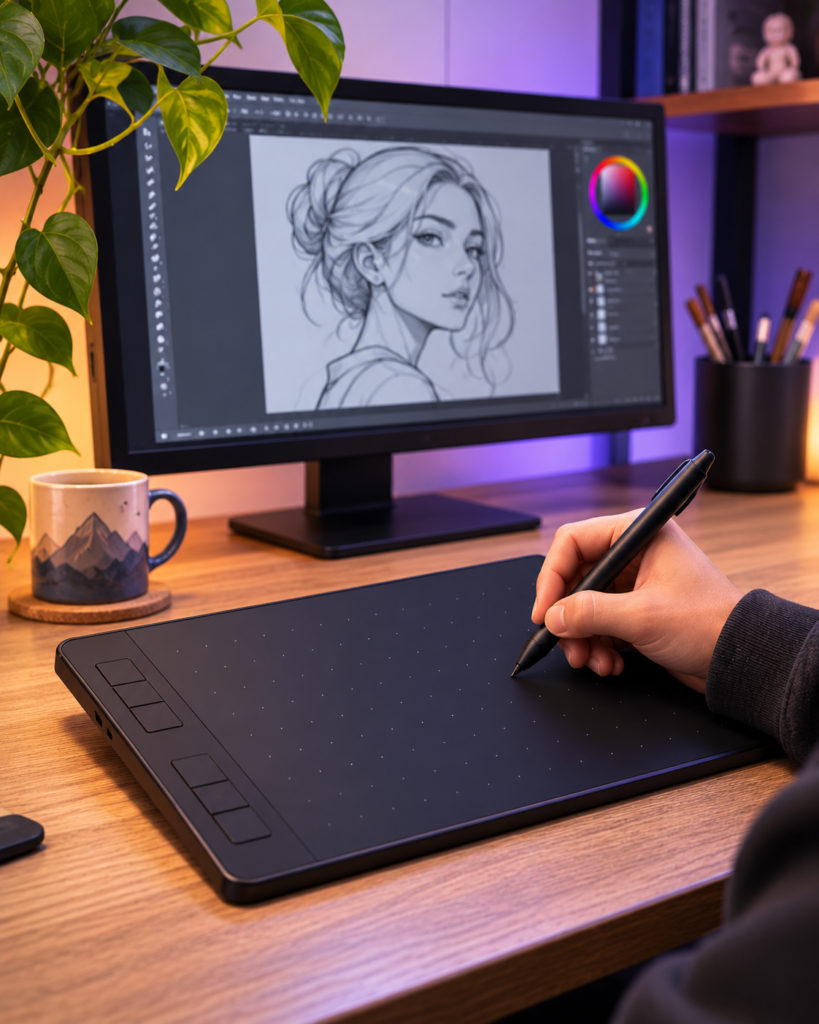
    At first, this can feel strange because your hand and eyes are focused on different places. However, many artists become comfortable with this arrangement after some practice.

    Screenless tablets are especially popular among beginners, students, and creators looking for reliable equipment without spending too much money.

    What About 3D Modelling and Sculpting?


    If you’re interested in 3D art, you might be wondering whether a screen tablet is necessary. The answer is no!

    Both tablet types can work well for digital sculpting, texture painting, and other creative tasks in software such as Blender or ZBrush.

    For example, pressure-sensitive pen input can make sculpting brushes feel more natural, allowing you to control brush strength through your hand movements.

    However, not every 3D task benefits equally from a drawing tablet. For traditional polygon modelling, keyboard and mouse controls may still be more convenient.

    If your main focus is sculpting or hand-painted textures, either tablet type can be useful. A screenless tablet may be all you need, especially when you’re starting out.

    Find your bundle


    Not sure what gear you need? Explore Digital Den’s curated equipment bundles, tailored to different creative needs, skill levels, and budgets. Spend less time searching and more time creating!
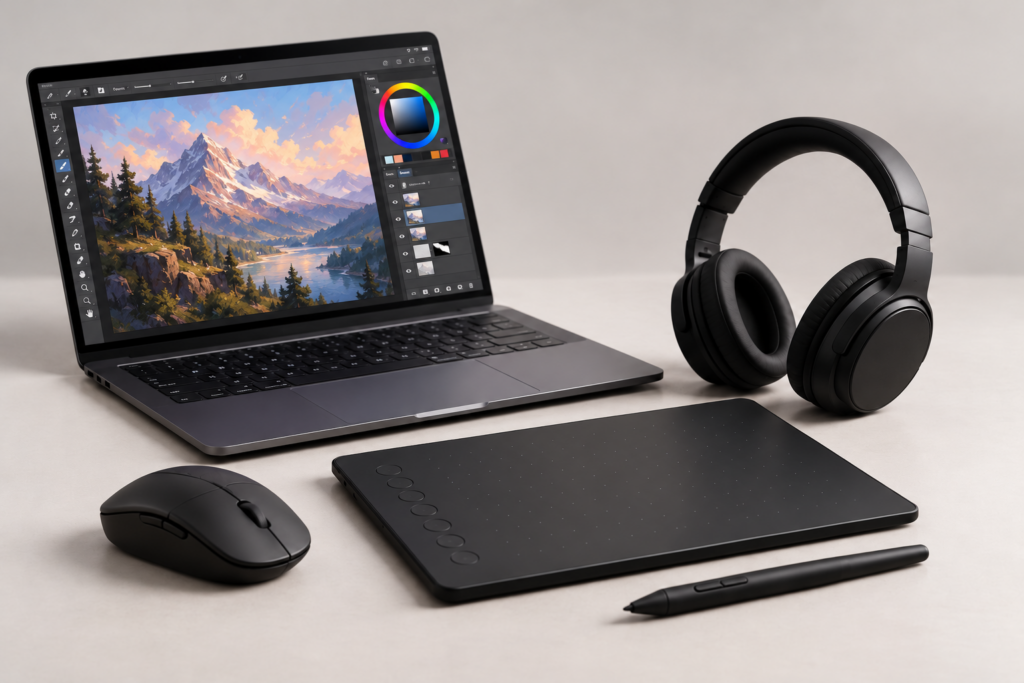
    Budget bundle
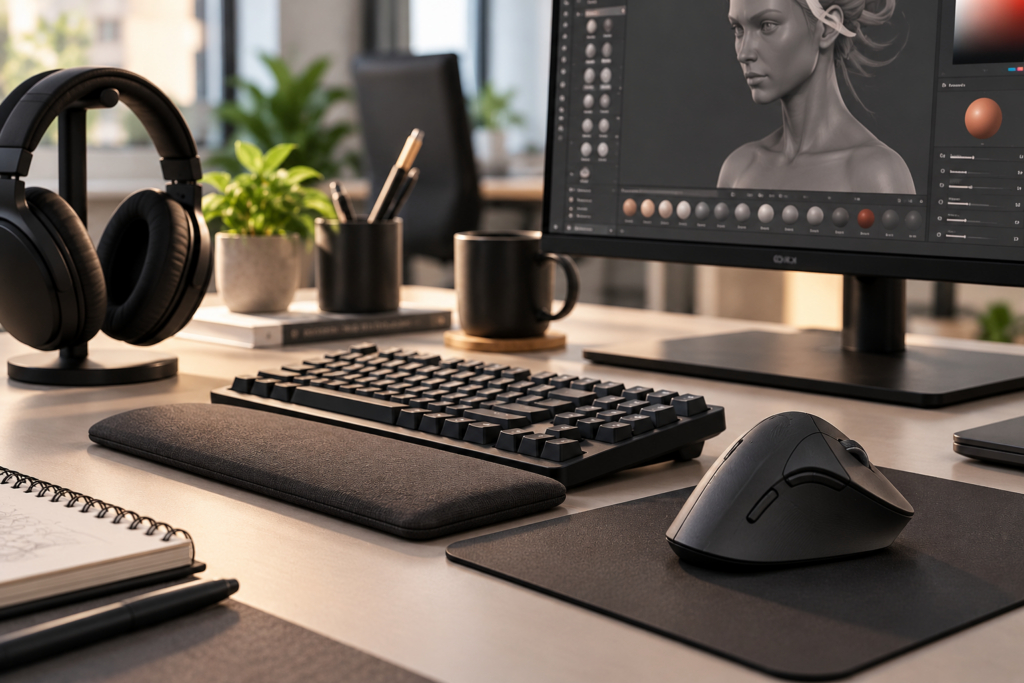
    Ergonomic bundle
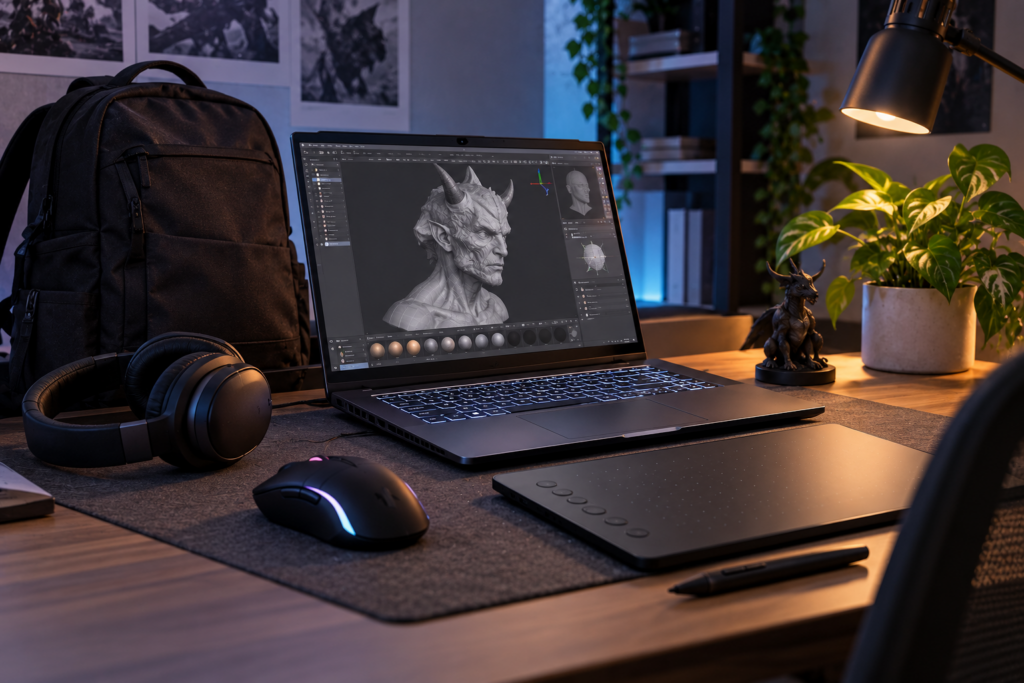
    3D student bundle

    What Should You Look for Before Buying?


    Whether you choose a screen tablet or a screenless model, there are several important features worth checking.

    Pen pressure sensitivity: Pressure sensitivity allows the tablet to recognise how firmly you’re pressing the pen. This is particularly useful for brush control, shading, and sculpting.

    Active drawing area: A larger drawing area provides more room for hand movements, while smaller tablets are easier to carry. Bigger isn’t always better, especially if your desk is limited.

    Driver compatibility: Make sure the tablet supports your operating system and the creative software you plan to use.

    Shortcut buttons: Programmable buttons can speed up your workflow by providing quick access to frequently used tools.

    Ergonomics: If you spend hours drawing or sculpting, comfort matters. Consider the drawing angle, pen grip, desk position, and whether you’ll need a stand.

    For screen tablets, you should also compare display resolution, colour accuracy, and brightness.

    Which Drawing Tablet Should You Choose?


    The best option depends on your experience, budget, and creative goals.

    If you’re a student or beginner working with a limited budget, a screenless tablet is often the smarter starting point. It provides the essential features needed to develop your digital art skills without a major investment.

    If you’re already comfortable with digital art and want a more direct drawing experience, a screen tablet may be a worthwhile upgrade.

    And if you’re mainly interested in 3D modelling, don’t assume that spending more money on a screen will automatically improve your workflow.

    Consider which tasks you actually perform and whether a screen would make those tasks easier.

    Final Thoughts:


    There’s no single best drawing tablet for everyone.

    Screen tablets offer a direct, intuitive drawing experience, while screenless tablets provide an affordable and practical alternative.

    Most importantly, a more expensive drawing tablet won’t automatically make you a better artist. Developing your skills, practising regularly, and choosing equipment suited to your workflow will make a much bigger difference.
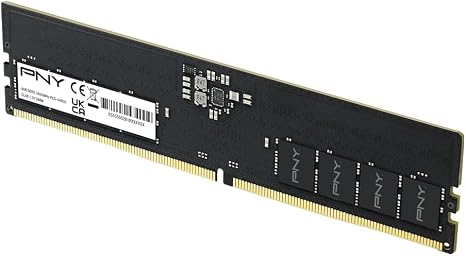
    PNY DDR5 8GB (1x8GB) 5600MHz CL46 Performance Desktop Memory
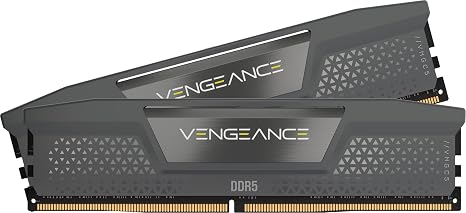
    CORSAIR Vengeance DDR5 16GB (2 x 8GB) Up to 5200MHz AMD Intel RAM
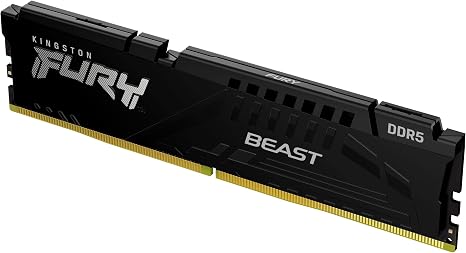
    Kingston FURY Beast 8GB 6000MT/s DDR5 CL36 Desktop Memory | AMD EXPO |Single Module | KF560C36BBE-8
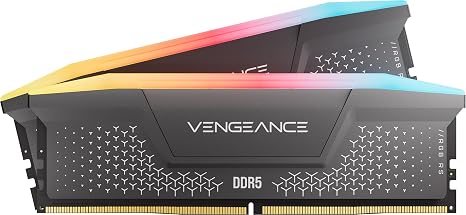
    Corsair Vengeance RGB RS DDR5 16GB (2 x 8GB) Up to 6000MHz AMD Intel RAM
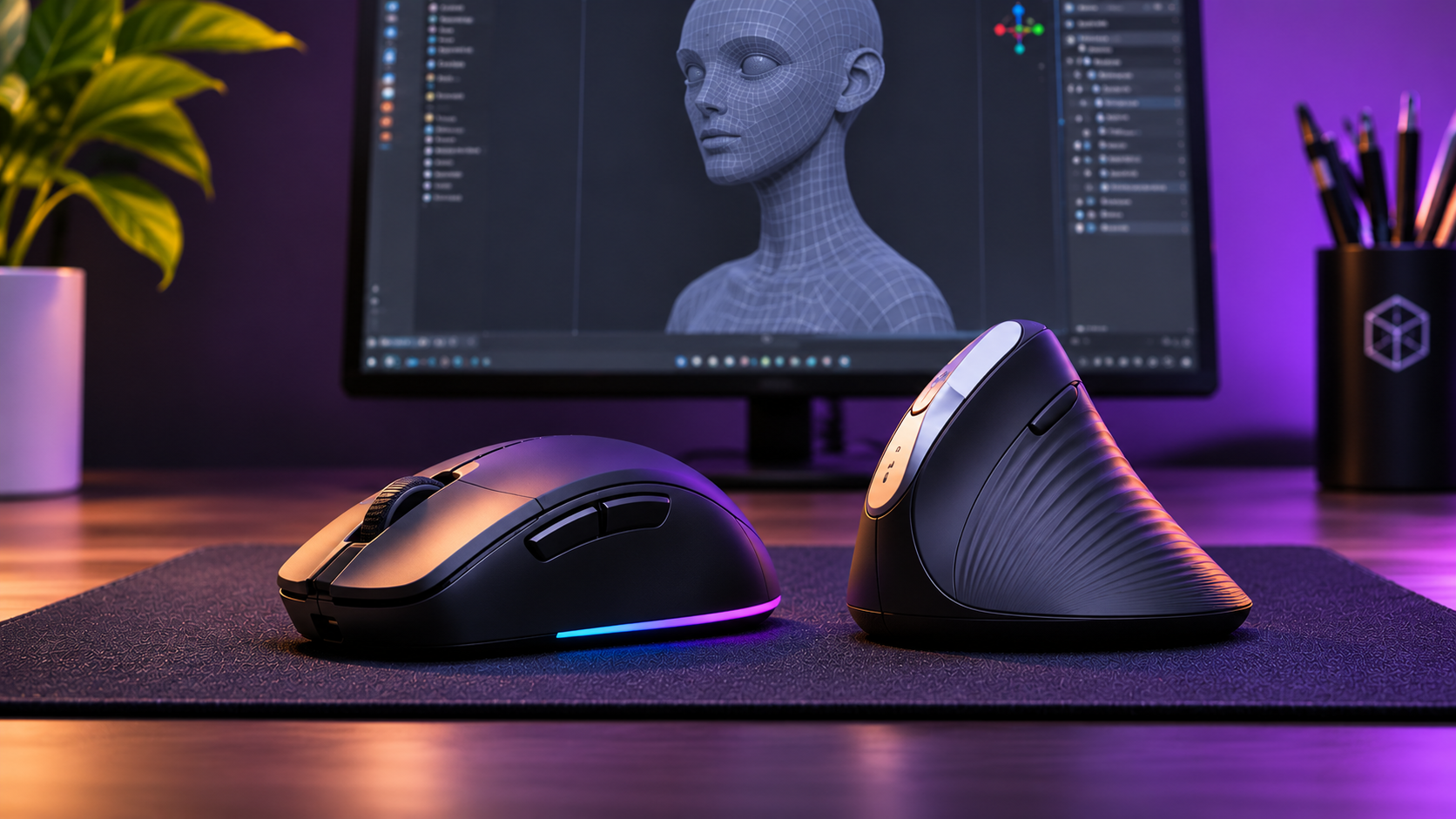
  • Ergonomic Mouse vs. Traditional: Best Choice for Artists

    Ergonomic Mouse vs. Traditional: Best Choice for Artists

    Choosing the Right Mouse for 3D Modelling


    An ergonomic mouse can make a big difference when spending hours working in 3D modelling software like Blender or Maya. While most digital artists focus on having a powerful computer, a good monitor, and enough RAM, one important piece of equipment often gets overlooked: the mouse.

    Whether you’re sculpting characters, building detailed environments, or adjusting individual vertices, your mouse is one of the tools you use most throughout the day.

    Choosing the right design could help improve your comfort, reduce hand fatigue, and make long creative sessions more enjoyable. However, specialised designs aren’t necessarily the best choice for everyone, especially when precision and quick movements are important.

    So, is an ergonomic mouse actually better for 3D modelling, or does a traditional model offer more control and flexibility?

    Traditional Mouse vs. Ergonomic Mouse: Understanding the Differences


    Traditional mice are the most common choice among computer users. They come in countless shapes, sizes, and price ranges, making them accessible to beginners and professionals alike.

    Unlike specially designed alternatives, which often feature contoured bodies, conventional mice typically follow a familiar, relatively flat shape.

    One of their biggest advantages is familiarity. Most people have used a traditional mouse for years, meaning there’s almost no learning curve when switching between different models.

    For 3D artists, these devices offer several benefits. They’re often lightweight, provide accurate tracking, and work well with the precise movements required for modelling.

    Many gaming mice also include programmable buttons, which can be useful for assigning frequently used shortcuts in Blender or Maya.

    However, traditional mice aren’t perfect. Some designs may encourage uncomfortable hand or wrist positions during long working sessions, particularly if the device doesn’t fit your hand properly.

    This is where more specialised alternatives might offer an advantage. Their shapes may provide a more comfortable hand position during extended use.

    Still, a conventional design isn’t inherently bad for your comfort. A well-fitting model can be an excellent choice, especially when combined with a comfortable desk setup and regular breaks.

    Find your bundle


    Not sure what gear you need? Explore Digital Den’s curated equipment bundles, tailored to different creative needs, skill levels, and budgets. Spend less time searching and more time creating!

    Budget bundle

    Ergonomic bundle

    3D student bundle

    Ergonomic Mouse Benefits for 3D Modelling


    An ergonomic mouse is designed to support a more relaxed hand position, often featuring thumb rests, angled surfaces, or vertical shapes. These designs may reduce wrist and forearm strain during long 3D modelling sessions, although comfort varies between users.

    However, some models can take time to get used to and may have less accessible buttons. This is especially important in Blender, where the middle mouse button is essential for navigating the 3D viewport.

    Before buying, consider the shape, button placement, and how well the mouse fits your workflow. Ultimately, the best choice depends on your comfort and personal preferences.

    An Ergonomic Mouse Is Only Part of a Comfortable Desk Setup


    Even the most comfortable mouse won’t fix every issue caused by spending hours at a computer.

    Your chair, desk height, keyboard position, and working habits all contribute to your overall comfort.

    When working on detailed 3D projects, try keeping your mouse close to your keyboard to avoid unnecessary reaching. Make sure your shoulders remain relaxed, and take regular breaks throughout long modelling sessions.

    It’s also worth remembering that comfortable equipment works best as part of a properly arranged workstation rather than as a standalone solution.

    If you’re experiencing persistent wrist or hand pain, don’t assume buying a new mouse will solve it. Consider professional advice, particularly if symptoms continue.

    What to Look for When Buying an (ergonomic) Mouse for 3D Art


    Before choosing your next mouse, consider how you actually use your computer. Whether you’re interested in an ergonomic mouse or a traditional design, several features can make a difference to your workflow.

    1. Size and grip

    Your mouse should fit your hand comfortably. Whether you prefer a palm, claw, or fingertip grip, avoid designs that force your fingers into awkward positions.

    A comfortable grip can be especially appealing during long modelling sessions, but the shape needs to suit your hand.

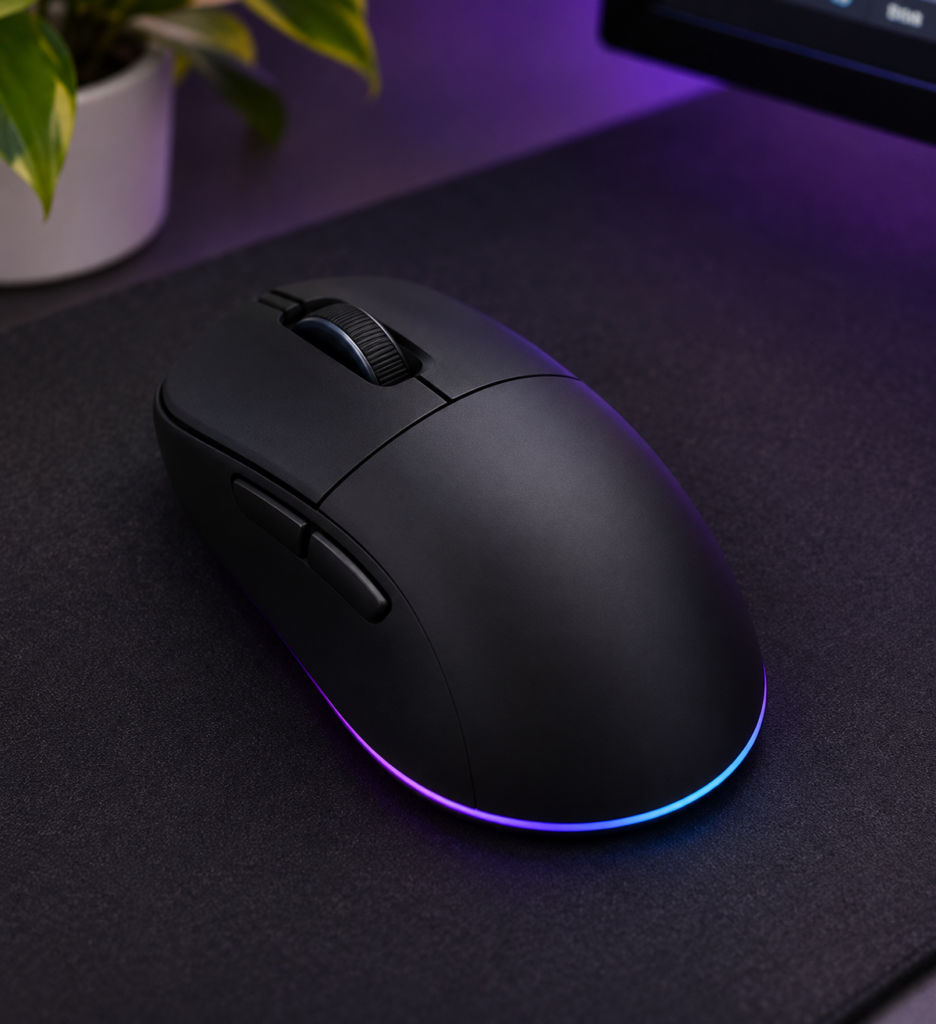
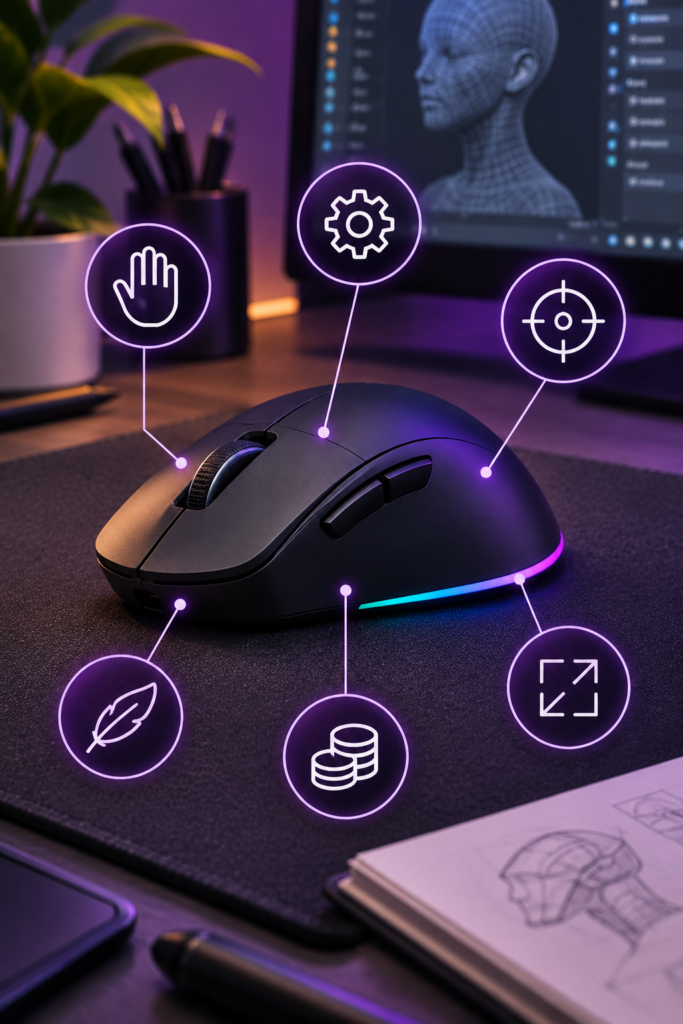
    Black ergonomic mouse for 3D artists with programmable buttons, precision tracking, and comfort features, displayed in a digital art workspace.

    2. Programmable buttons

    Additional buttons can help streamline your workflow. Some models include programmable controls that allow you to assign frequently used modelling shortcuts.

    Just make sure your chosen device has an accessible middle button for viewport navigation in Blender or Maya.

    3. Sensor quality

    Reliable tracking is essential when selecting objects or performing precise adjustments.

    However, extremely high DPI isn’t necessarily better for 3D modelling. Consistent tracking matters more than impressive specifications.

    4. Weight

    A lightweight mouse may require less effort to move repeatedly. However, some artists prefer heavier models because they feel more stable.

    There isn’t one perfect weight for everyone, so choose what feels comfortable during regular use.

    5. Your budget

    An expensive ergonomic mouse isn’t automatically a better investment.

    An affordable option with a comfortable shape and reliable performance can serve you just as well as a premium alternative, especially if you’re just starting your 3D art journey.

    Final Thoughts: Is an Ergonomic Mouse Worth It for 3D Artists?


    For beginners, a traditional mouse is often a practical starting point. Conventional models are affordable, familiar, and provide everything needed to begin learning 3D modelling.

    However, if you regularly spend long hours working in Blender or Maya and find your current device uncomfortable, switching to an ergonomic mouse could be worthwhile.

    A more supportive shape may offer a comfortable grip and hand position, but comfort varies between users. What works perfectly for one artist might feel completely unnatural to another.

    Whenever possible, try different designs before buying. Pay attention to the shape, button placement, weight, and how easily you can navigate your 3D software.

    Ultimately, choosing between an ergonomic mouse and a traditional model comes down to finding the right balance between comfort, precision, and functionality for your creative workflow.

    PNY DDR5 8GB (1x8GB) 5600MHz CL46 Performance Desktop Memory

    CORSAIR Vengeance DDR5 16GB (2 x 8GB) Up to 5200MHz AMD Intel RAM

    Kingston FURY Beast 8GB 6000MT/s DDR5 CL36 Desktop Memory | AMD EXPO |Single Module | KF560C36BBE-8

    Corsair Vengeance RGB RS DDR5 16GB (2 x 8GB) Up to 6000MHz AMD Intel RAM