
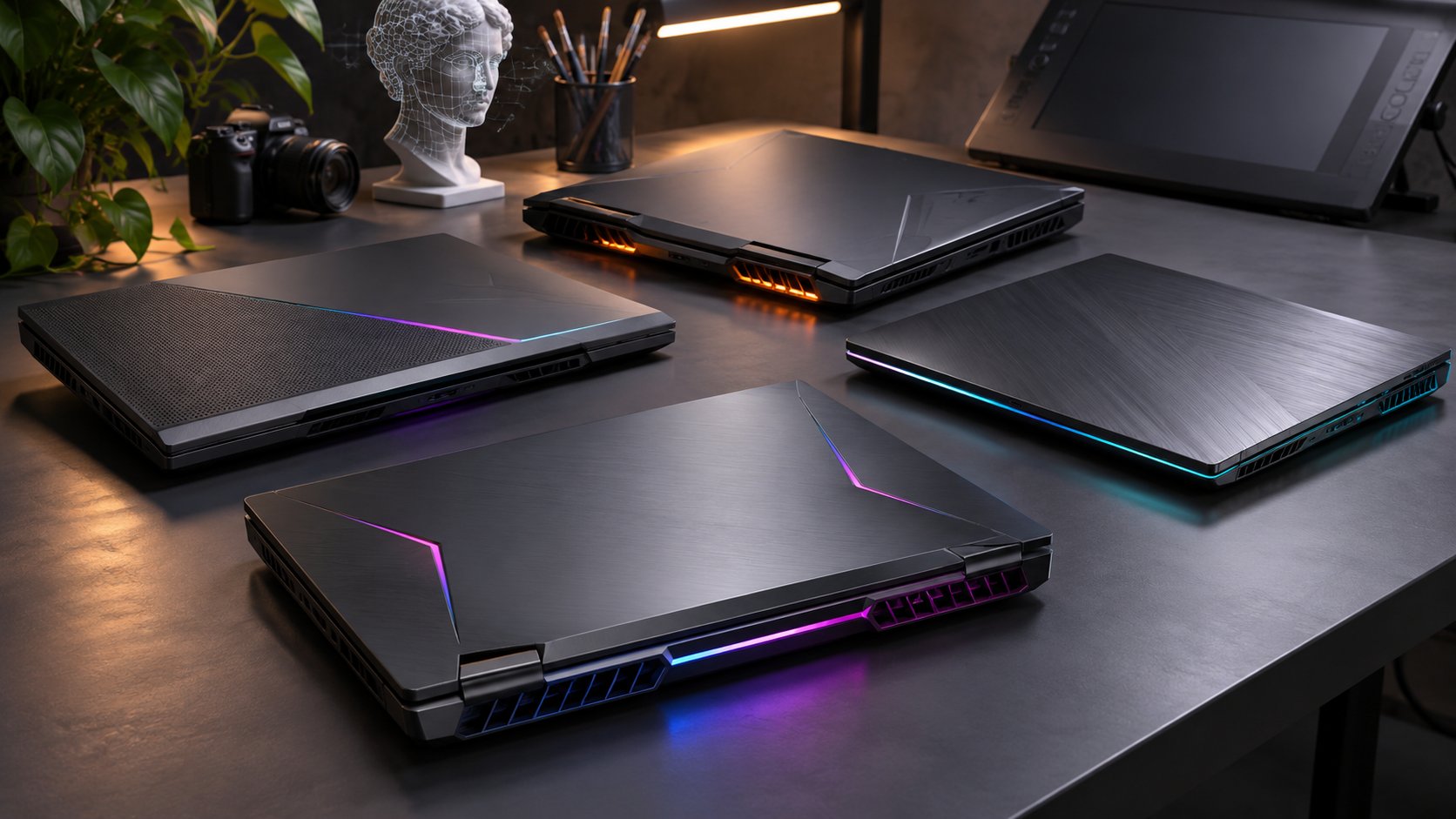
Choosing the right laptop for professional 3D modelling…
Finding the right laptop for 3D modelling can be challenging, especially for beginners entering the world of 3D art, animation, or game development. With so many gaming laptops and professional workstations available, knowing which specifications actually matter can save you a lot of money.
But do you really need an expensive professional workstation to create detailed 3D models and high-quality renders?
Not necessarily! A gaming laptop for 3D modelling can deliver excellent performance without the high price of a specialised workstation.
Gaming laptops often feature powerful graphics cards, fast processors, and plenty of RAM. These are the same components needed to run demanding 3D software such as Blender, Autodesk Maya, and Unreal Engine.
The key is finding a laptop that balances performance, cooling, and price.
Gaming laptop for 3D modelling: Performance and portability
A gaming laptop for 3D modelling can be an excellent choice because gaming and 3D creation share similar hardware requirements.
Modern games rely on powerful GPUs, CPUs, and memory to display detailed environments. These components are also important when modelling complex objects, working with high-resolution textures, and rendering 3D scenes.
For example, a dedicated graphics card can improve viewport performance and significantly reduce rendering times in compatible GPU rendering software.
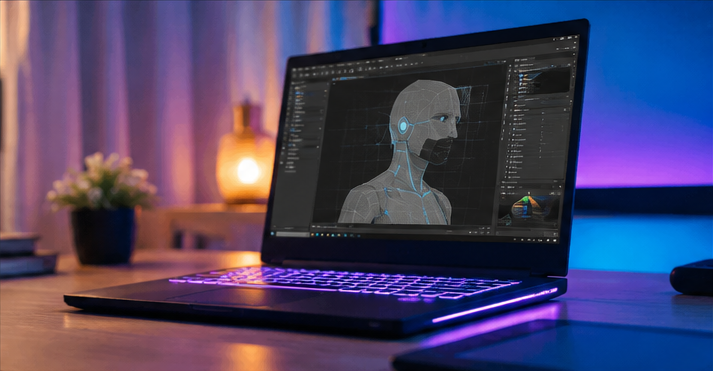
Most Popular posts
Another advantage is portability. Unlike a desktop workstation, a laptop for 3D modelling allows you to work at university, in a studio, or while travelling.
However, not all gaming laptops perform equally. Cooling systems and GPU power limits can make a significant difference, even between laptops with similar specifications.
What Specifications Should a Laptop for 3D Modelling Have?
When choosing a laptop for 3D modelling, understanding the main hardware components will help you avoid spending money on unnecessary upgrades.
The graphics card is particularly important for GPU rendering and displaying complex 3D scenes.
A dedicated NVIDIA GeForce RTX GPU is a strong option for Blender and other applications that support GPU acceleration.
For more demanding 3D projects, 8 GB of VRAM is a useful starting point, although complex scenes and high-resolution textures may require more.
The CPU handles modelling operations, certain simulations, and CPU-based rendering.
A modern Intel Core Ultra or AMD Ryzen processor is a good starting point for a laptop for 3D modelling.
Look for strong single-core performance for interactive modelling and good multi-core performance for tasks that benefit from additional processing cores.
AM is essential when working with large 3D scenes and running multiple applications.
- 16 GB: Suitable for learning Blender and creating smaller 3D projects.
- 32 GB: Recommended for more serious 3D modelling, multitasking, and larger projects.
- 64 GB or more: Useful for complex scenes, demanding simulations, and specialised professional work.
For most aspiring 3D artists, 32 GB provides a good balance between performance and affordability.
A fast SSD makes loading large project files, textures, and software much smoother.
For a laptop for 3D modelling, a 1 TB NVMe SSD is a practical starting point. Large asset libraries, animations, and rendered files can quickly consume storage space.
Display Quality for 3D Modelling
While processing power is important, the display also deserves attention.
A good laptop for 3D modelling should have sufficient screen resolution, brightness, and colour accuracy.
A Full HD display can work for beginners, but a higher-resolution screen provides more workspace for complex software interfaces.
For artists working with textures and materials, a display with close to 100% sRGB coverage is a sensible choice.
An external monitor can also improve comfort and productivity when working on detailed 3D projects for extended periods.
Find your bundle
Not sure what gear you need? Explore Digital Den’s curated equipment bundles, tailored to different creative needs, skill levels, and budgets. Spend less time searching and more time creating!
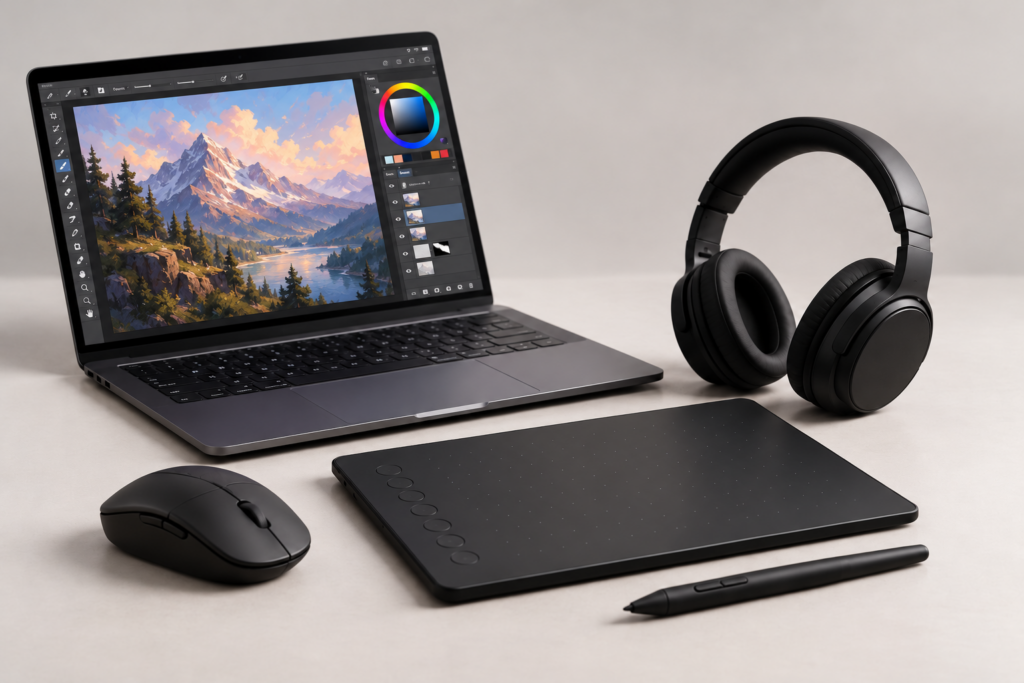
Budget bundle
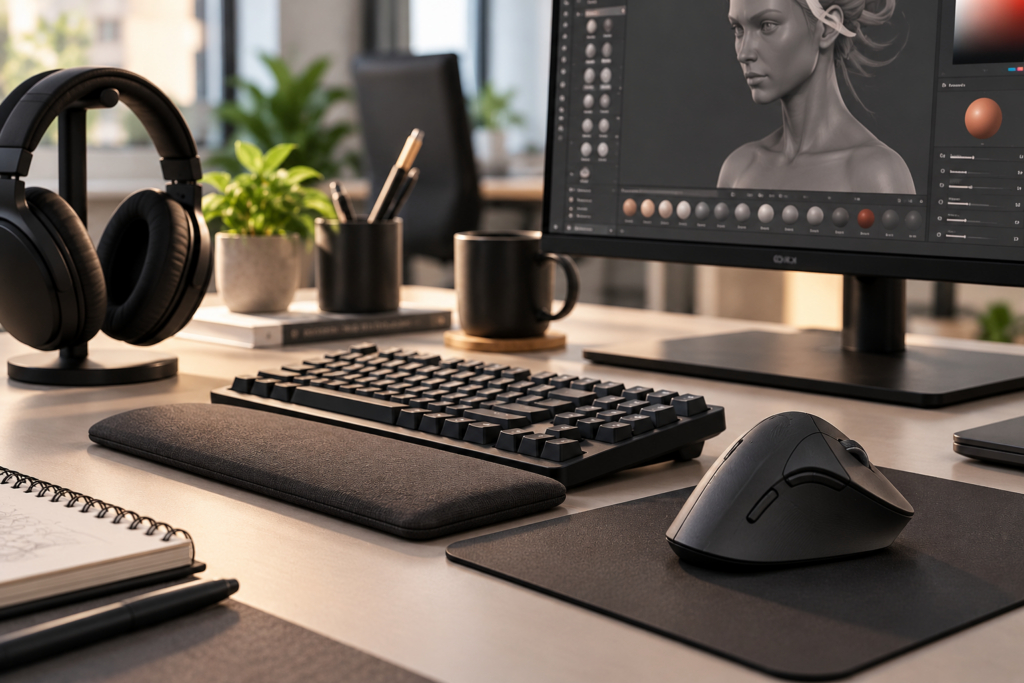
Ergonomic bundle
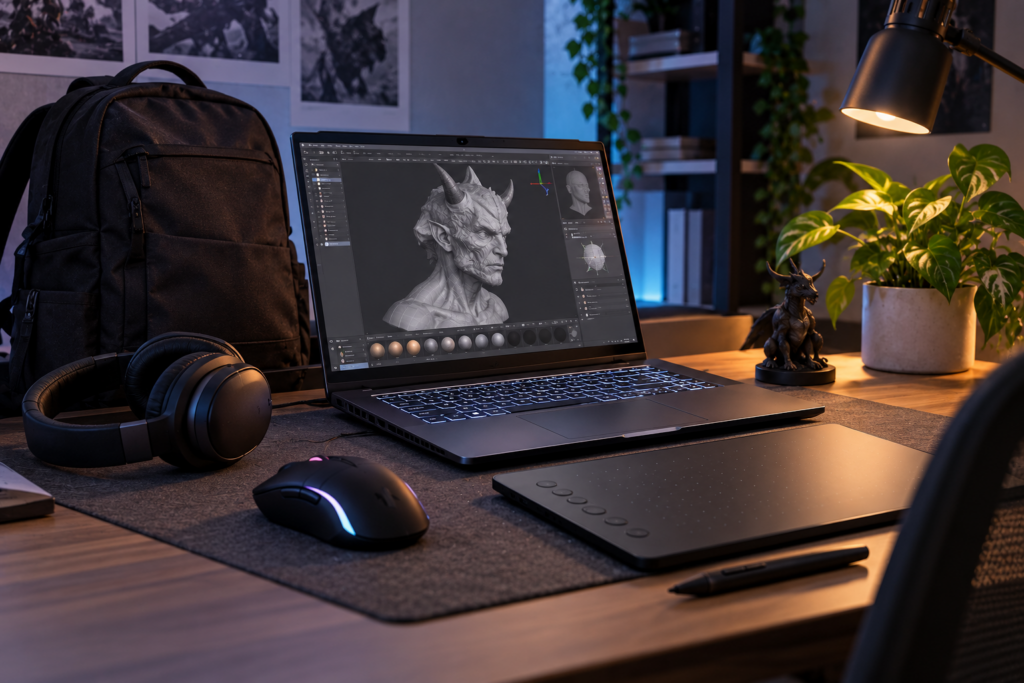
3D student bundle
Disadvantages of Using a Gaming Laptop for 3D Modelling
Although a gaming laptop for 3D modelling offers excellent flexibility, there are some limitations.
Heat and noise: Rendering complex scenes can push the CPU and GPU to their limits. Without adequate cooling, a laptop may become noisy or reduce performance to control temperatures.
Battery life: Demanding 3D applications consume significant power. Most gaming laptops also perform best when connected to a charger.
Limited upgrades: Unlike desktop workstations, laptops usually offer fewer upgrade options. In many models, the CPU and GPU cannot be replaced.
Price-to-performance: A desktop PC can often deliver better sustained rendering performance for the same budget.
For artists who render highly demanding projects every day and do not need portability, a desktop workstation may be a better investment.
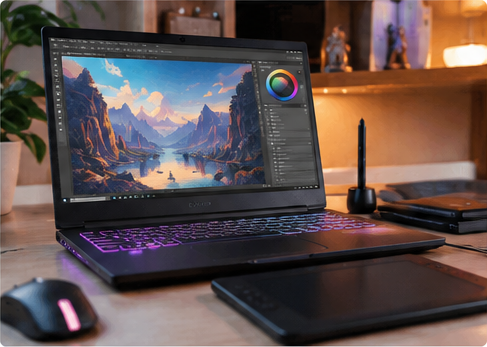
Final Thoughts: Choosing the Best Laptop for 3D Modelling
A laptop for 3D modelling does not need to be an expensive professional workstation to produce impressive results.
For students, beginner 3D artists, freelancers, and even some professionals, a well-equipped gaming laptop can handle modelling, sculpting, texturing, animation, and rendering.
At Digital Den, we recommend choosing a laptop based on your actual workflow rather than simply purchasing the most expensive hardware available.
Prioritise a capable GPU, sufficient VRAM, 32 GB of RAM where affordable, good cooling, and a suitable display.
Remember, the best laptop for 3D modelling is not necessarily the most powerful one. It is the laptop that provides the performance you need without making you pay for features you will never use.
Your skills create the artwork. Your laptop simply helps bring it to life.
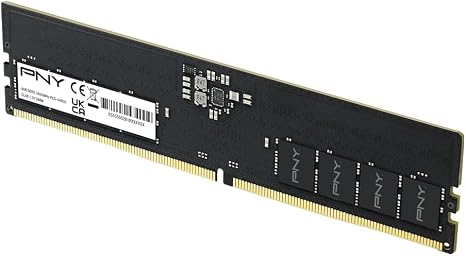
PNY DDR5 8GB (1x8GB) 5600MHz CL46 Performance Desktop Memory
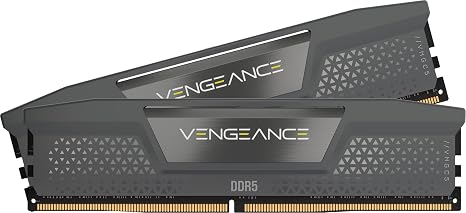
CORSAIR Vengeance DDR5 16GB (2 x 8GB) Up to 5200MHz AMD Intel RAM
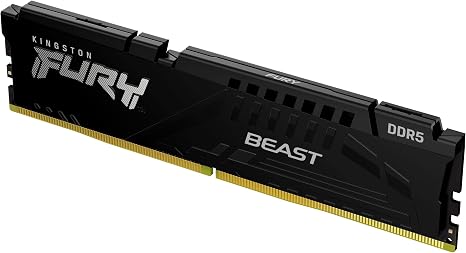
Kingston FURY Beast 8GB 6000MT/s DDR5 CL36 Desktop Memory | AMD EXPO |Single Module | KF560C36BBE-8
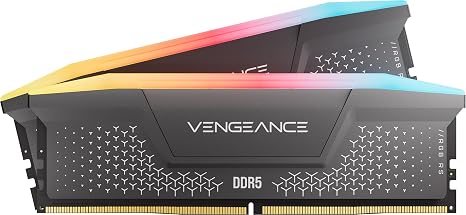
Corsair Vengeance RGB RS DDR5 16GB (2 x 8GB) Up to 6000MHz AMD Intel RAM
Leave a Reply