Tag: Beginner Artists

  • Best GPU for Rendering: Is an Expensive One Worth It for 3D Art?

    Best GPU for Rendering: Is an Expensive One Worth It for 3D Art?

    Best GPU for Rendering: Choosing the Right Card for 3D Art


    Finding the best GPU for rendering can be challenging when you’re starting your journey in 3D art. With so many graphics cards available, different specifications, and huge price differences, it’s easy to assume that spending more money automatically means getting better results.

    But do you really need an expensive GPU to create impressive 3D artwork?

    The short answer is no. While a powerful graphics card can significantly improve certain workflows, beginners and even intermediate artists can create excellent work without investing in top-of-the-line hardware.

    The important thing is understanding what you actually need.

    What Does a GPU Do for 3D Art?


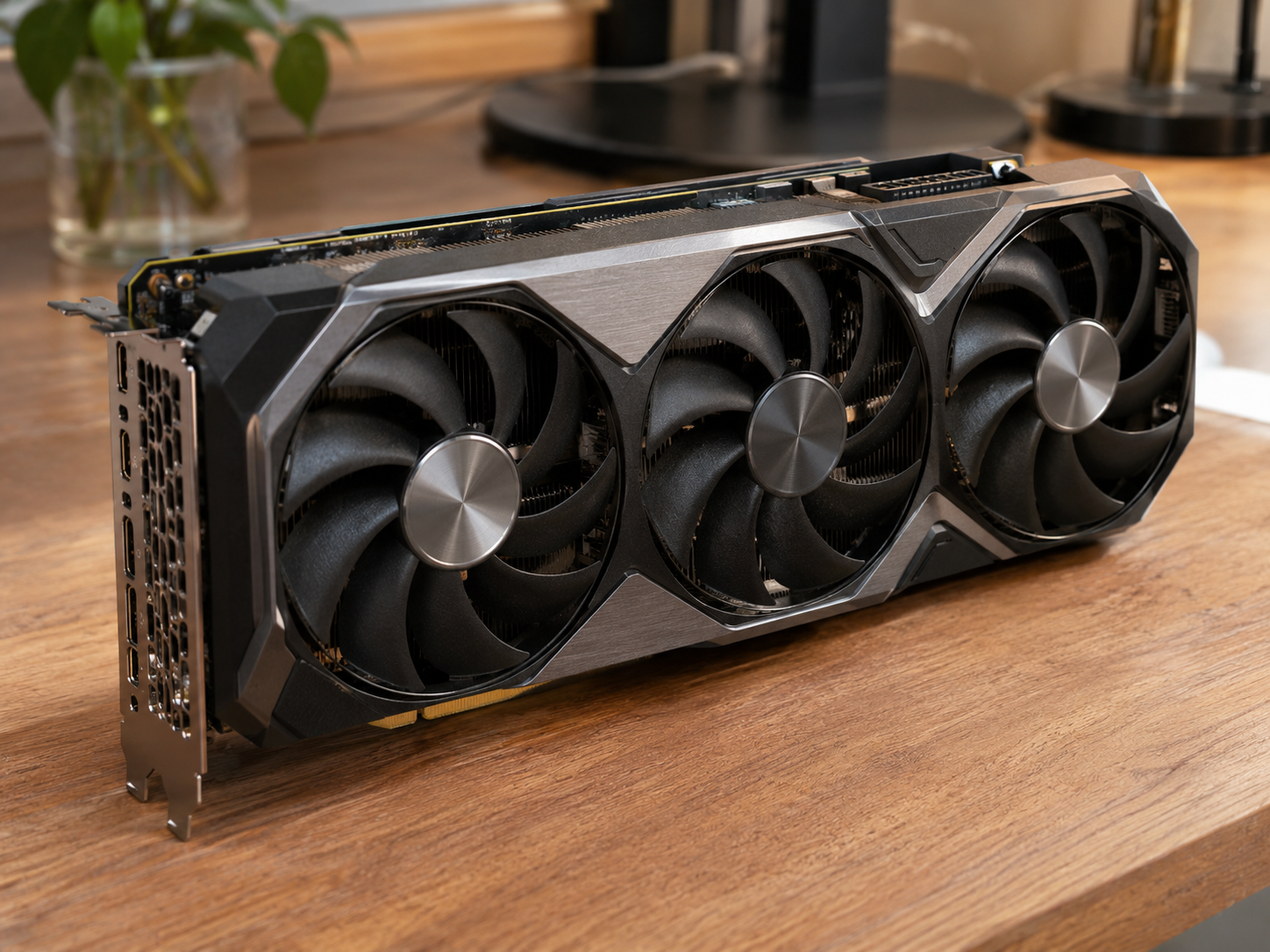
    A Graphics Processing Unit (GPU) handles graphics-related calculations and helps your computer display and process complex visual information.

    For 3D artists, a GPU is particularly useful for navigating scenes in real time, displaying materials and lighting, and accelerating rendering in supported applications.
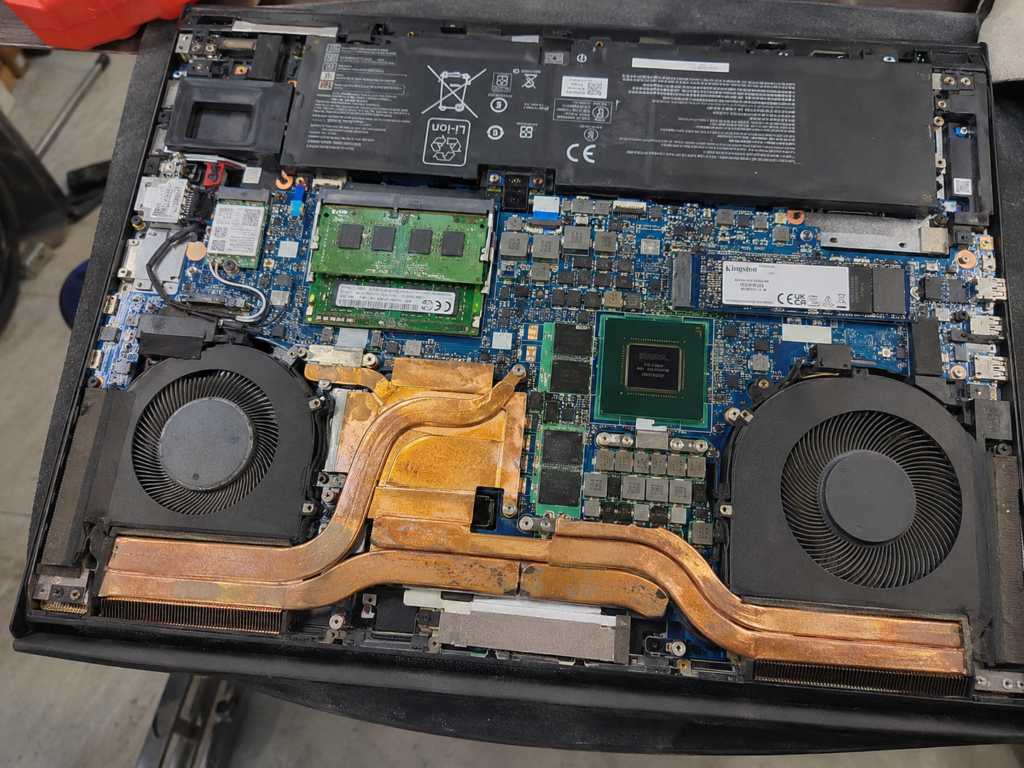
    However, not every 3D task relies equally on the GPU. Modelling, simulations, and certain rendering processes also depend heavily on your CPU and system RAM.

    This means buying the most expensive GPU won’t necessarily make every part of your workflow faster.

    Find your bundle


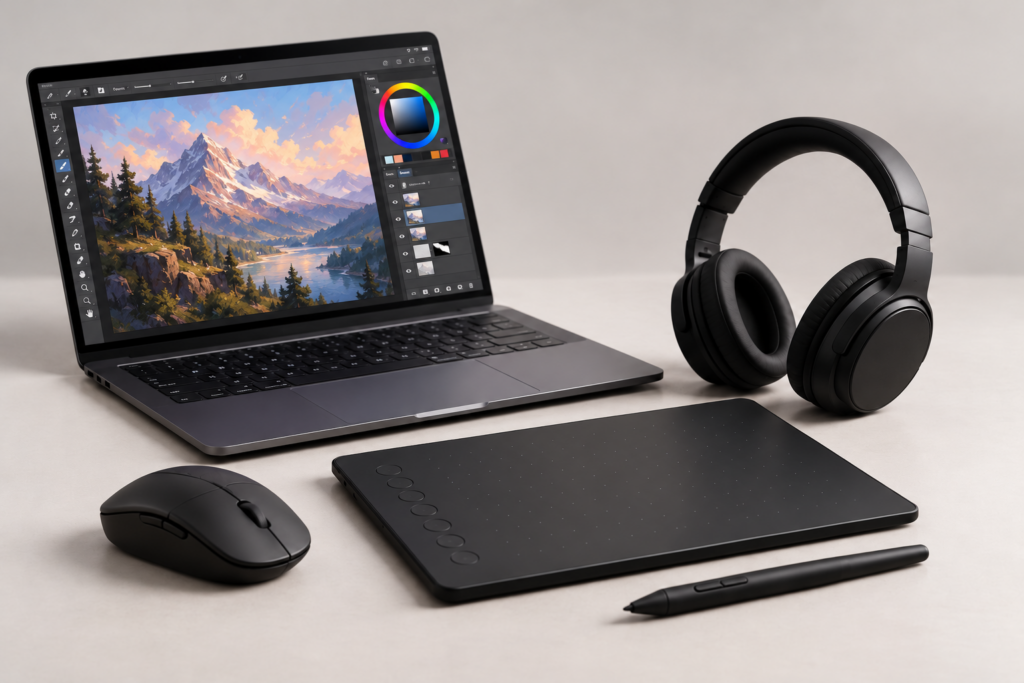
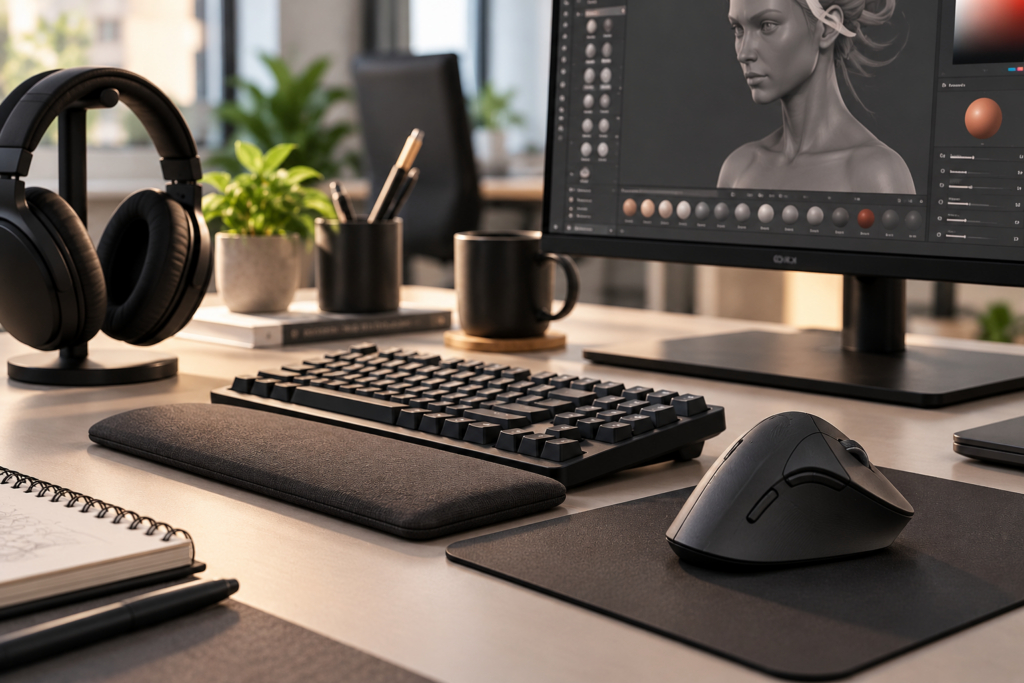
    Not sure what gear you need? Explore Digital Den’s curated equipment bundles, tailored to different creative needs, skill levels, and budgets. Spend less time searching and more time creating!
    Budget bundle
    Ergonomic bundle
    3D student bundle

    Best GPU for Rendering: Entry-Level vs. Mid-Range vs. High-End


    The best graphics card depends on the complexity of your projects and how you plan to use your computer.


    If you’re learning 3D modelling, creating simple objects, or experimenting with software such as Blender, an entry-level dedicated GPU can be a reasonable starting point.

    These graphics cards are generally suitable for smaller scenes, basic modelling, and beginner projects.

    Although rendering may take longer and complex scenes can become challenging, you can still learn essential 3D skills without spending a fortune.


    For many digital artists, mid-range GPUs offer the best balance between performance and affordability.

    They generally provide more processing power and often more VRAM than entry-level alternatives, making them suitable for larger scenes, more detailed models, and GPU-accelerated rendering.

    If you’re studying game art, creating animations, or regularly working with 3D environments, a capable mid-range GPU may be a worthwhile investment.

    It gives you room to develop your skills without immediately needing another upgrade.

    Best for: Students, intermediate artists, and aspiring professionals.


    High-end GPUs are designed for demanding workflows where additional performance can save significant amounts of time.

    They are especially useful when working with complex environments, high-resolution textures, GPU-intensive rendering, or large projects that require substantial graphics memory.

    However, this level of performance comes at a considerable cost.

    If you’re mainly learning modelling fundamentals or creating small projects, much of that extra performance may go unused.

    Best for: Professional artists, advanced users, and demanding rendering workloads.


    How to Choose the Best GPU for Rendering


    Before spending hundreds or thousands on a graphics card, consider these four factors.


    Different 3D applications have different hardware requirements. Blender, Autodesk Maya, Unreal Engine, and other creative tools may use your GPU differently.

    Always check the recommended specifications and supported graphics hardware for the software and rendering engine you plan to use.


    VRAM stores graphics data such as textures, geometry, and rendering assets.

    Having enough VRAM is particularly important when working with detailed scenes and high-resolution textures.

    For many beginner projects, 8 GB of VRAM can be a reasonable starting point, while more demanding workloads may benefit from 12 GB, 16 GB, or more.

    These are practical guidelines rather than universal requirements.


    If you frequently use GPU rendering, a faster graphics card can noticeably reduce rendering times.

    However, some rendering engines rely on the CPU or support both processing methods. Make sure your preferred renderer supports the GPU you’re considering.


    A powerful GPU isn’t particularly useful if the rest of your computer struggles to keep up.

    System RAM, CPU performance, and SSD storage also influence how smoothly you can work.

    For example, investing in a mid-range GPU alongside sufficient RAM and fast storage may provide a better overall experience than purchasing a high-end GPU while compromising on everything else.


    Should You Upgrade to the Best GPU for Rendering?


    Before upgrading, ask yourself whether your current graphics card is actually limiting your work.

    Are your scenes becoming difficult to navigate? Are you running out of VRAM? Are rendering times interfering with your projects?

    If the answer is yes, upgrading could make a meaningful difference.

    But if your current GPU handles your projects comfortably, there may be little reason to spend more money.

    You might benefit more from upgrading your RAM, improving your storage, or simply continuing to develop your artistic skills.
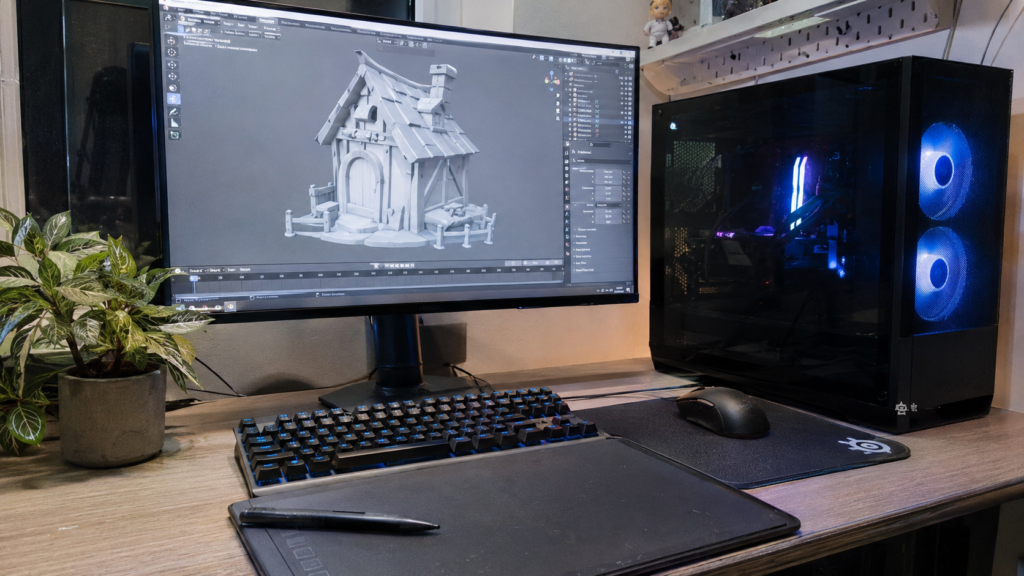
    Black desktop PC with blue RGB cooling fans on a wooden desk, showcasing a 3D modeling workstation for artists choosing the best GPU for rendering.

    Final Thoughts: Buy What You Need, Not What’s Most Expensive


    You don’t need the most expensive GPU to become a great 3D artist.

    For beginners, an affordable graphics card can provide everything needed to learn the fundamentals. Intermediate artists may benefit from the additional performance of a mid-range GPU, while professionals working with demanding scenes may find high-end hardware worthwhile.

    The key is choosing equipment that matches your software, creative ambitions, and budget.

    At Digital Den, we believe building a creative workstation should be about making informed decisions, not simply buying the most expensive components.

    Before your next upgrade, consider what would genuinely improve your workflow.
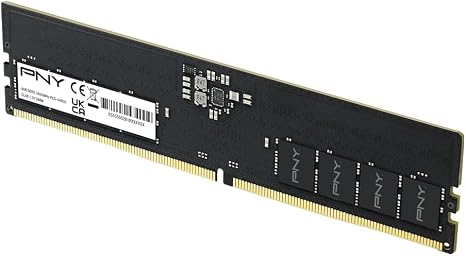

    PNY DDR5 8GB (1x8GB) 5600MHz CL46 Performance Desktop Memory
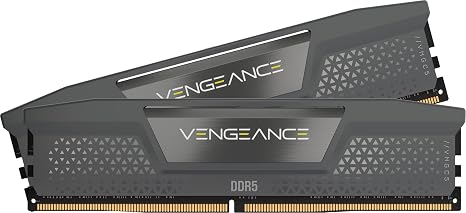
    CORSAIR Vengeance DDR5 16GB (2 x 8GB) Up to 5200MHz AMD Intel RAM
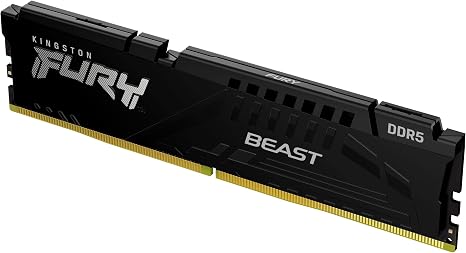
    Kingston FURY Beast 8GB 6000MT/s DDR5 CL36 Desktop Memory | AMD EXPO |Single Module | KF560C36BBE-8
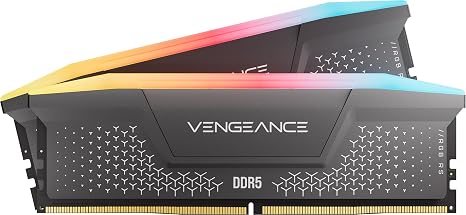
    Corsair Vengeance RGB RS DDR5 16GB (2 x 8GB) Up to 6000MHz AMD Intel RAM
  • Laptop for 3D Modelling: Is a Gaming Laptop Good Enough?

    Laptop for 3D Modelling: Is a Gaming Laptop Good Enough?

    Choosing the right laptop for professional 3D modelling…


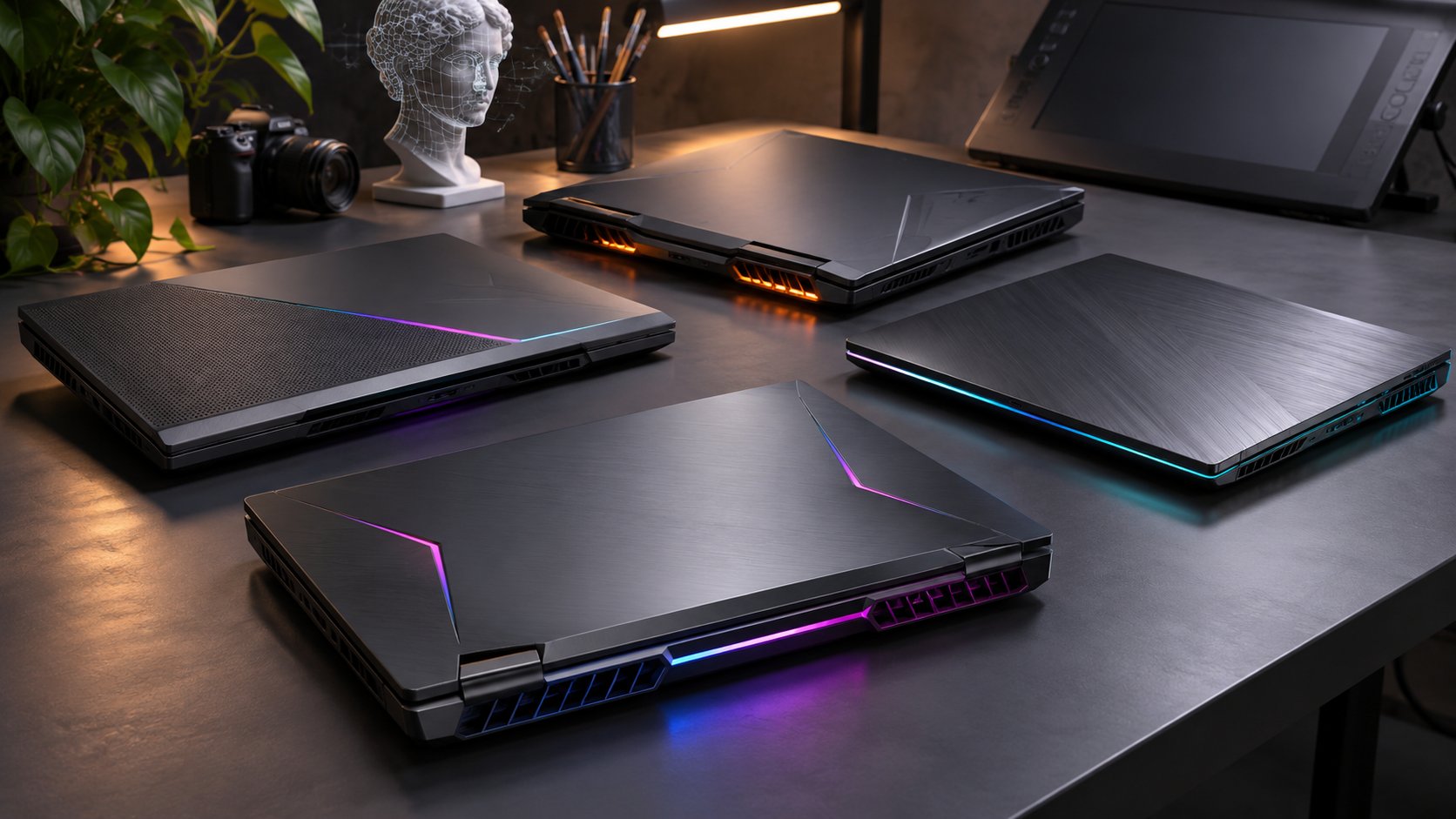
    Finding the right laptop for 3D modelling can be challenging, especially for beginners entering the world of 3D art, animation, or game development. With so many gaming laptops and professional workstations available, knowing which specifications actually matter can save you a lot of money.

    But do you really need an expensive professional workstation to create detailed 3D models and high-quality renders?

    Not necessarily! A gaming laptop for 3D modelling can deliver excellent performance without the high price of a specialised workstation.

    Gaming laptops often feature powerful graphics cards, fast processors, and plenty of RAM. These are the same components needed to run demanding 3D software such as Blender, Autodesk Maya, and Unreal Engine.

    The key is finding a laptop that balances performance, cooling, and price.

    Gaming laptop for 3D modelling: Performance and portability


    A gaming laptop for 3D modelling can be an excellent choice because gaming and 3D creation share similar hardware requirements.

    Modern games rely on powerful GPUs, CPUs, and memory to display detailed environments. These components are also important when modelling complex objects, working with high-resolution textures, and rendering 3D scenes.

    For example, a dedicated graphics card can improve viewport performance and significantly reduce rendering times in compatible GPU rendering software.

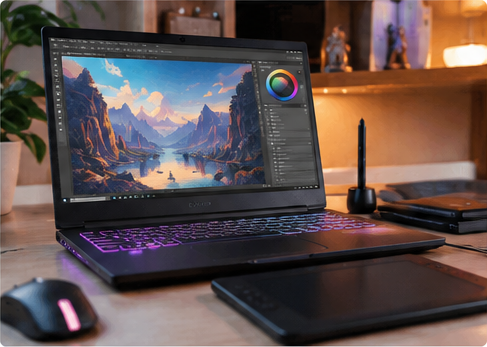
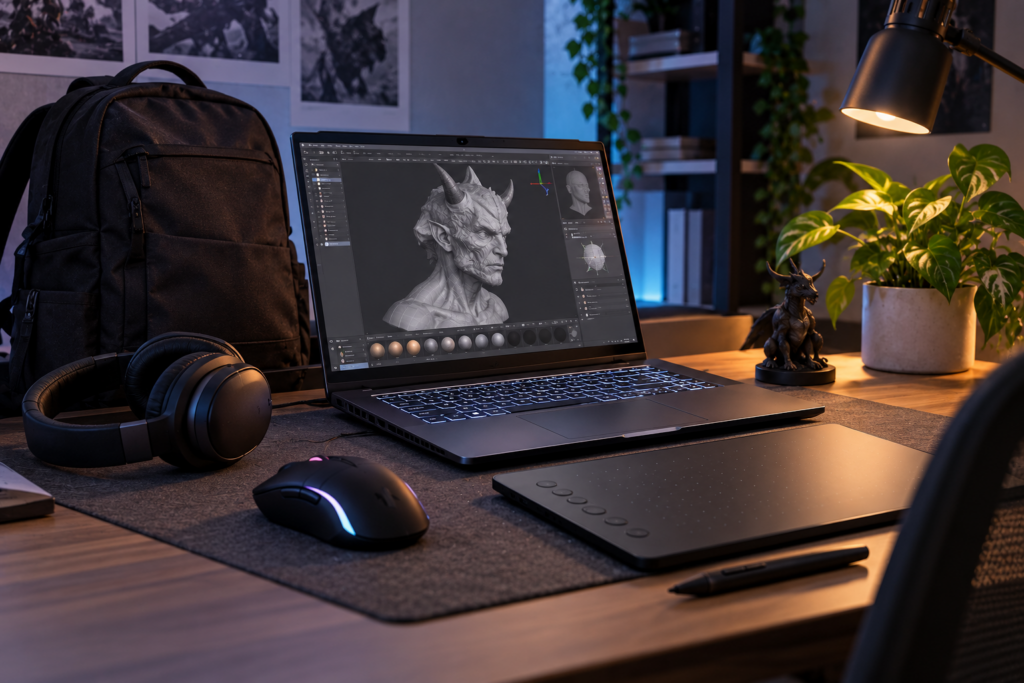
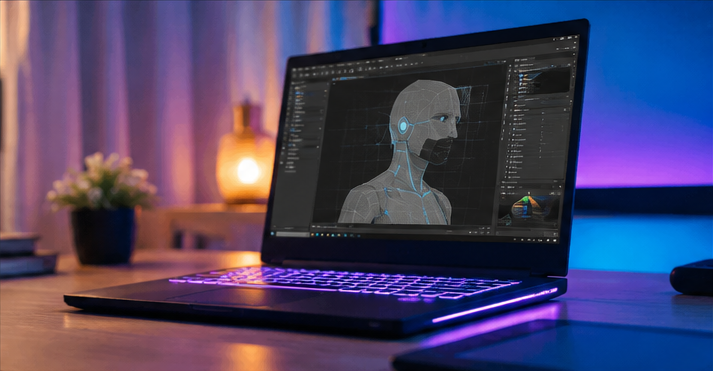
    Gaming laptop for 3D modelling displaying a detailed 3D character model in Blender, with an RGB keyboard on a desk.

    Another advantage is portability. Unlike a desktop workstation, a laptop for 3D modelling allows you to work at university, in a studio, or while travelling.

    However, not all gaming laptops perform equally. Cooling systems and GPU power limits can make a significant difference, even between laptops with similar specifications.

    What Specifications Should a Laptop for 3D Modelling Have?


    When choosing a laptop for 3D modelling, understanding the main hardware components will help you avoid spending money on unnecessary upgrades.

    The graphics card is particularly important for GPU rendering and displaying complex 3D scenes.

    A dedicated NVIDIA GeForce RTX GPU is a strong option for Blender and other applications that support GPU acceleration.

    For more demanding 3D projects, 8 GB of VRAM is a useful starting point, although complex scenes and high-resolution textures may require more.


    The CPU handles modelling operations, certain simulations, and CPU-based rendering.

    A modern Intel Core Ultra or AMD Ryzen processor is a good starting point for a laptop for 3D modelling.

    Look for strong single-core performance for interactive modelling and good multi-core performance for tasks that benefit from additional processing cores.


    AM is essential when working with large 3D scenes and running multiple applications.

    • 16 GB: Suitable for learning Blender and creating smaller 3D projects.
    • 32 GB: Recommended for more serious 3D modelling, multitasking, and larger projects.
    • 64 GB or more: Useful for complex scenes, demanding simulations, and specialised professional work.

    For most aspiring 3D artists, 32 GB provides a good balance between performance and affordability.


    A fast SSD makes loading large project files, textures, and software much smoother.

    For a laptop for 3D modelling, a 1 TB NVMe SSD is a practical starting point. Large asset libraries, animations, and rendered files can quickly consume storage space.


    Display Quality for 3D Modelling


    While processing power is important, the display also deserves attention.

    A good laptop for 3D modelling should have sufficient screen resolution, brightness, and colour accuracy.

    A Full HD display can work for beginners, but a higher-resolution screen provides more workspace for complex software interfaces.

    For artists working with textures and materials, a display with close to 100% sRGB coverage is a sensible choice.

    An external monitor can also improve comfort and productivity when working on detailed 3D projects for extended periods.

    Find your bundle


    Not sure what gear you need? Explore Digital Den’s curated equipment bundles, tailored to different creative needs, skill levels, and budgets. Spend less time searching and more time creating!

    Budget bundle

    Ergonomic bundle

    3D student bundle

    Disadvantages of Using a Gaming Laptop for 3D Modelling


    Although a gaming laptop for 3D modelling offers excellent flexibility, there are some limitations.

    Heat and noise: Rendering complex scenes can push the CPU and GPU to their limits. Without adequate cooling, a laptop may become noisy or reduce performance to control temperatures.

    Battery life: Demanding 3D applications consume significant power. Most gaming laptops also perform best when connected to a charger.

    Limited upgrades: Unlike desktop workstations, laptops usually offer fewer upgrade options. In many models, the CPU and GPU cannot be replaced.

    Price-to-performance: A desktop PC can often deliver better sustained rendering performance for the same budget.

    For artists who render highly demanding projects every day and do not need portability, a desktop workstation may be a better investment.

    Final Thoughts: Choosing the Best Laptop for 3D Modelling


    A laptop for 3D modelling does not need to be an expensive professional workstation to produce impressive results.

    For students, beginner 3D artists, freelancers, and even some professionals, a well-equipped gaming laptop can handle modelling, sculpting, texturing, animation, and rendering.

    At Digital Den, we recommend choosing a laptop based on your actual workflow rather than simply purchasing the most expensive hardware available.

    Prioritise a capable GPU, sufficient VRAM, 32 GB of RAM where affordable, good cooling, and a suitable display.

    Remember, the best laptop for 3D modelling is not necessarily the most powerful one. It is the laptop that provides the performance you need without making you pay for features you will never use.

    Your skills create the artwork. Your laptop simply helps bring it to life.

    PNY DDR5 8GB (1x8GB) 5600MHz CL46 Performance Desktop Memory

    CORSAIR Vengeance DDR5 16GB (2 x 8GB) Up to 5200MHz AMD Intel RAM

    Kingston FURY Beast 8GB 6000MT/s DDR5 CL36 Desktop Memory | AMD EXPO |Single Module | KF560C36BBE-8

    Corsair Vengeance RGB RS DDR5 16GB (2 x 8GB) Up to 6000MHz AMD Intel RAM
  • How Much RAM Do I Need for Digital Art and 3D Modelling?

    How Much RAM Do I Need for Digital Art and 3D Modelling?

    How Much RAM Do I Need? A Beginner’s Guide to Digital Art and 3D Modelling

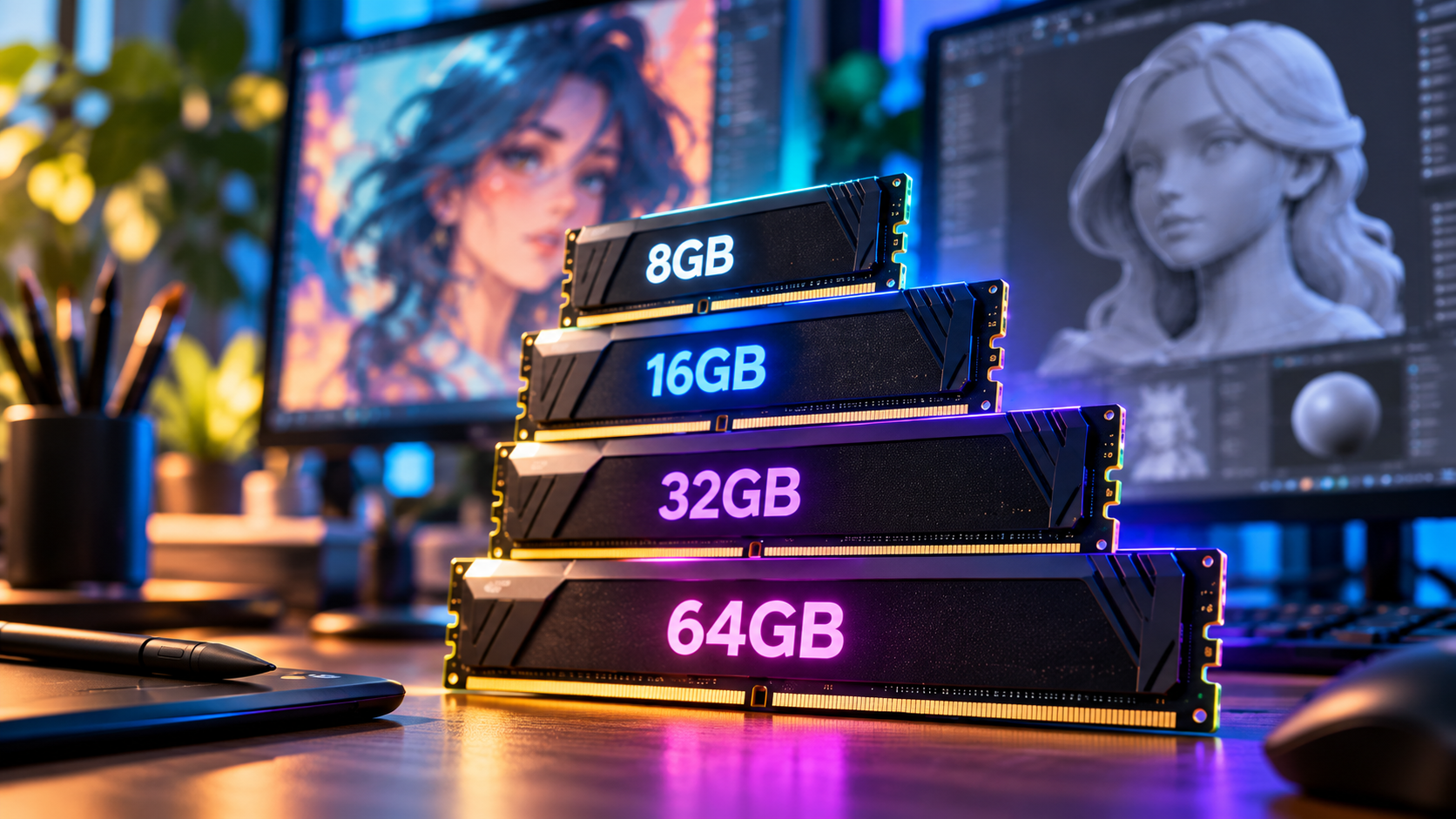
    Planning to buy your first laptop or PC for digital art? You’ve probably seen computers offering 8GB, 16GB, 32GB or even 64GB of RAM. But how much RAM do I need for digital art and 3D modelling?

    With so many specifications to compare, choosing the right computer can feel overwhelming. The good news? You don’t need the most expensive setup to start creating.

    Let’s break down how much RAM you need for digital art and 3D modelling.


    What Is RAM and Why Does It Matter?

    RAM (Random Access Memory) is your computer’s short-term memory. It temporarily stores information that applications need while running. But how much RAM do I need for digital art and 3D modelling?

    Think of RAM as your digital workspace. The more RAM you have, the more room your computer has to handle large projects and run multiple applications simultaneously.

    For digital artists, having enough RAM is especially important when working with high-resolution illustrations, detailed 3D models and complex textures. The right amount depends on the type and complexity of your creative projects.


    How Much RAM Do I Really Need?

    8GB RAM – Basic Creative Work

    8GB can handle simple digital illustrations and lightweight drawing applications. However, larger projects, multiple layers and multitasking may cause slowdowns.

    16GB RAM – A Great Starting Point

    For most beginner digital artists, 16GB offers a good balance between price and performance.

    It’s suitable for digital painting, photo editing and basic 3D modelling in applications like Blender.

    32GB RAM – More Room to Create

    If you’re working with larger 3D scenes, high-resolution textures or multiple creative applications simultaneously, 32GB provides additional flexibility.

    It’s particularly useful when switching between Blender, Photoshop and other demanding programs.

    64GB+ RAM – Professional Workflows

    Higher memory capacities are useful for complex simulations, large 3D environments and demanding professional projects.

    However, most beginners won’t need this much memory.


    Is More RAM Always Better?

    Not necessarily!

    If you’re wondering how much RAM do I need for digital art and 3D modelling, remember that RAM isn’t the only factor affecting performance. Your computer’s CPU, GPU and storage also play important roles.

    For example, a powerful graphics card can be more beneficial than additional RAM for certain 3D rendering tasks. Adding more RAM won’t necessarily improve performance if your computer already has enough for your projects.

    Before buying or upgrading, check your creative software’s recommended system requirements to find the right balance between performance and budget.


    Final Thoughts: Choose What You Actually Need

    For most beginners, 16GB RAM is a sensible starting point, while 32GB offers more flexibility as projects become demanding.

    PNY DDR5 8GB (1x8GB) 5600MHz CL46 Performance Desktop Memory

    CORSAIR Vengeance DDR5 16GB (2 x 8GB) Up to 5200MHz AMD Intel RAM

    Kingston FURY Beast 8GB 6000MT/s DDR5 CL36 Desktop Memory | AMD EXPO |Single Module | KF560C36BBE-8

    Corsair Vengeance RGB RS DDR5 16GB (2 x 8GB) Up to 6000MHz AMD Intel RAM